Protect your Privacy! use a VPN to download & surf annonymusly.
Identifying data, such as your IP: 216.73.217.145, is visible when you surf the Net. When using a VPN, your data is being switched by that of the VPN and not even your ISP can tell where you surfed.
Better safe than sorry...
Control your Ambilight with different effects via the Hyperion Controller Service
Disclaimer
Use at your own Risk
Description
Define various Ambilight and Moodlight Effects while playing different Media Types in Kodi. Switch Your Ambilight On or Off when Kodi is started or stopped.
News
3.0.4+matrix: deprecated LOGNOTICE and IconImage removed/replaced ----- 3.0.3: Improved exception handling for network errors 3.0.0: Migration to Python 3 0.0.4: Introducing stereoscopic detection 0.0.3: Improved shutdown 0.0.2: Some enhancements 0.0.1: Initial commit
How To Install
Direct installation
Via Repository
Via Directory
- First make sure you have the repository installed
- Open up Kodi and navigate into Add-ons.
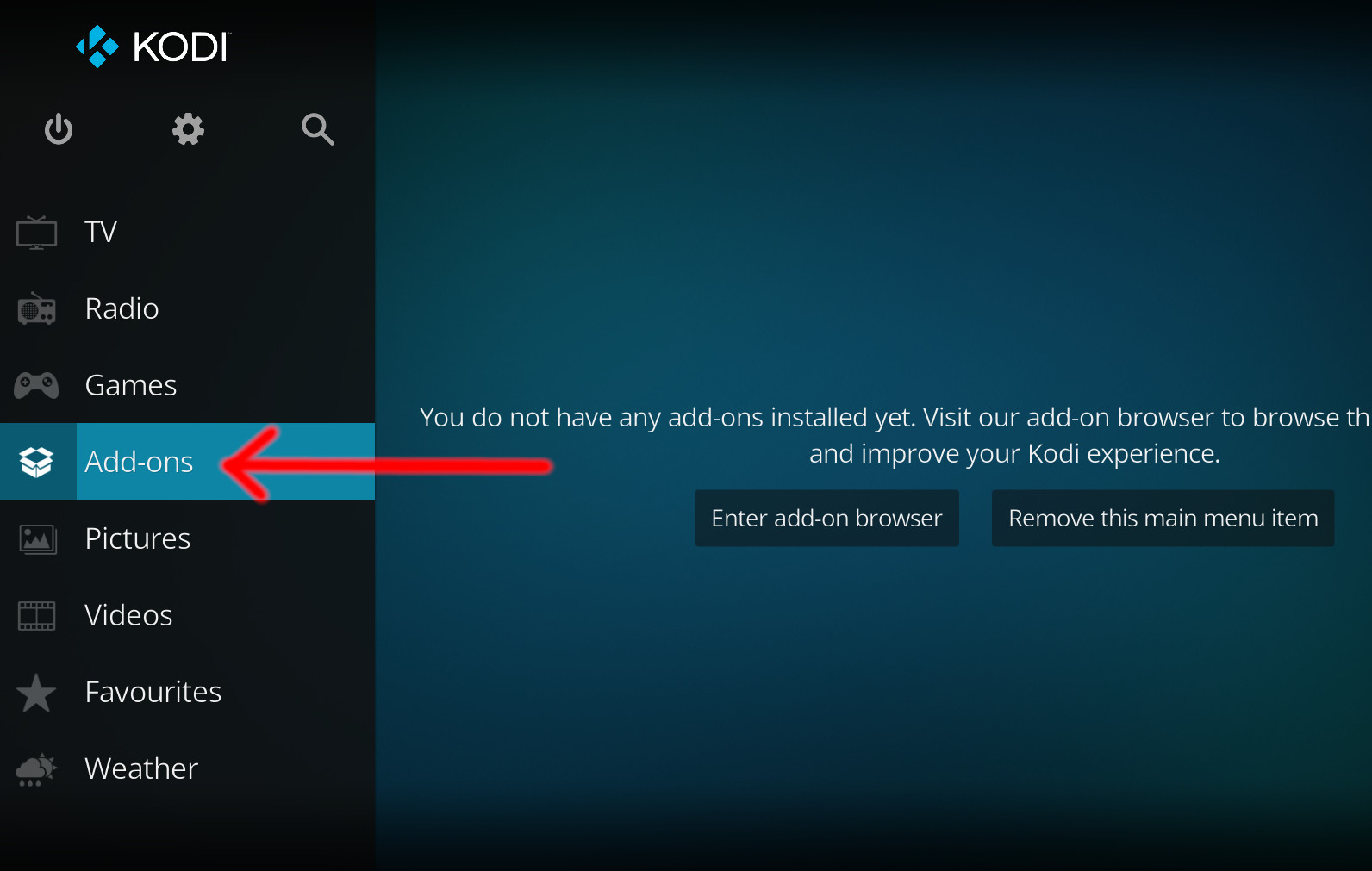
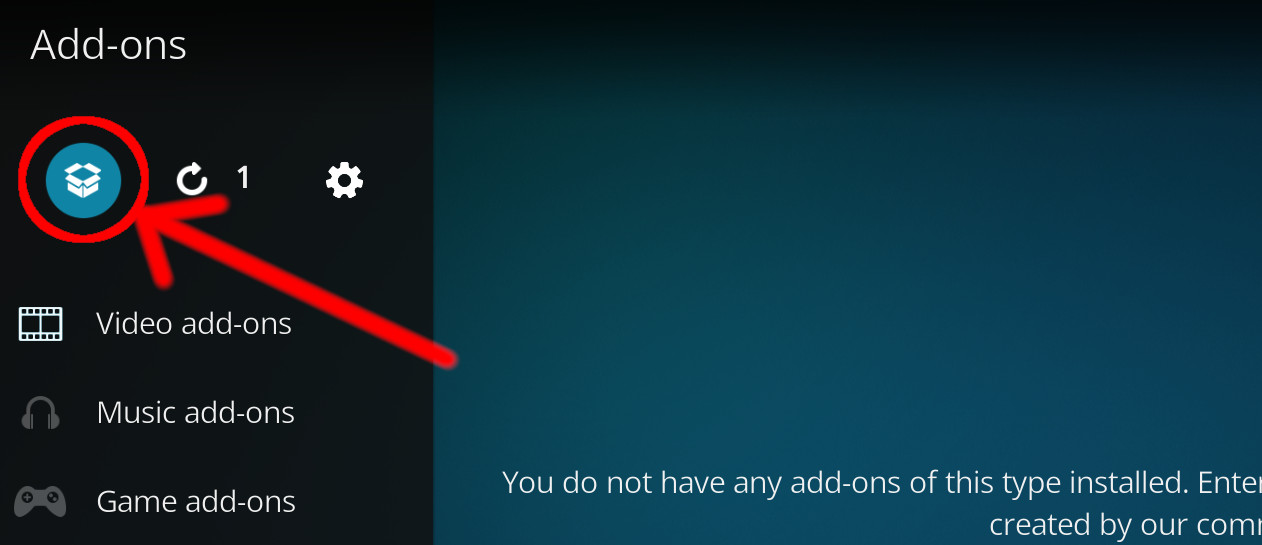
- Click the open box icon (above the side-menu).
- Select Install from repository.
- If you have at least one repository (besides the default) installed:
Select the repository you wish to install from.
- If you have at least one repository (besides the default) installed:
- Select the category the addon belongs to, in this case it should be script.
- Select Hyperion Controller Service.
- Click Install.
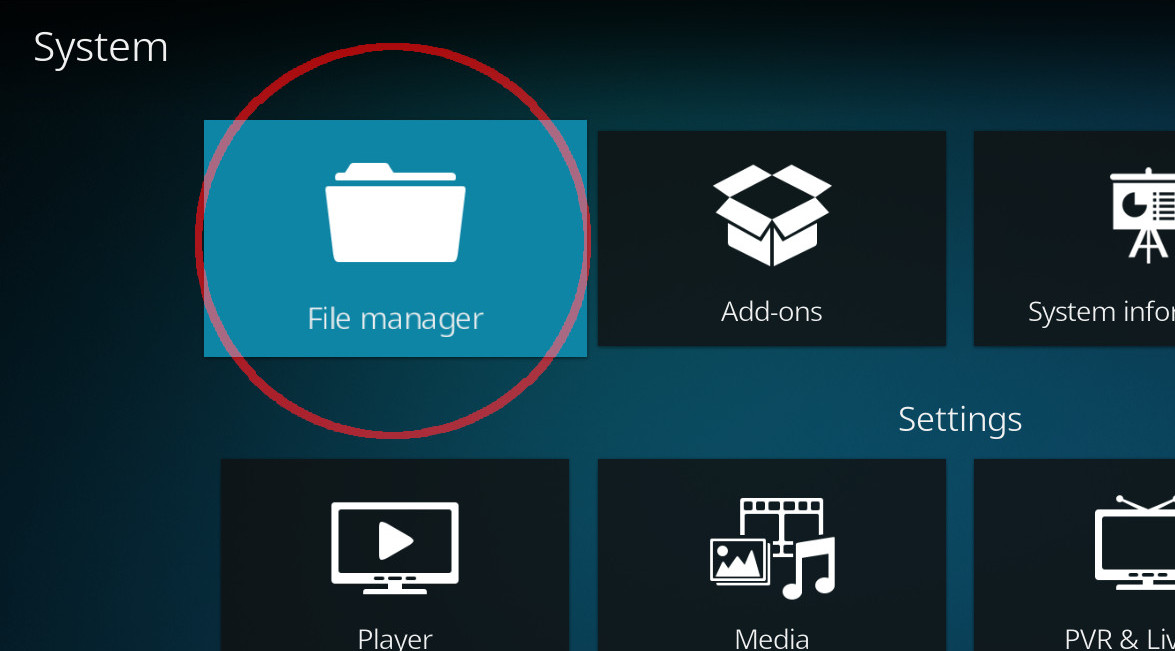
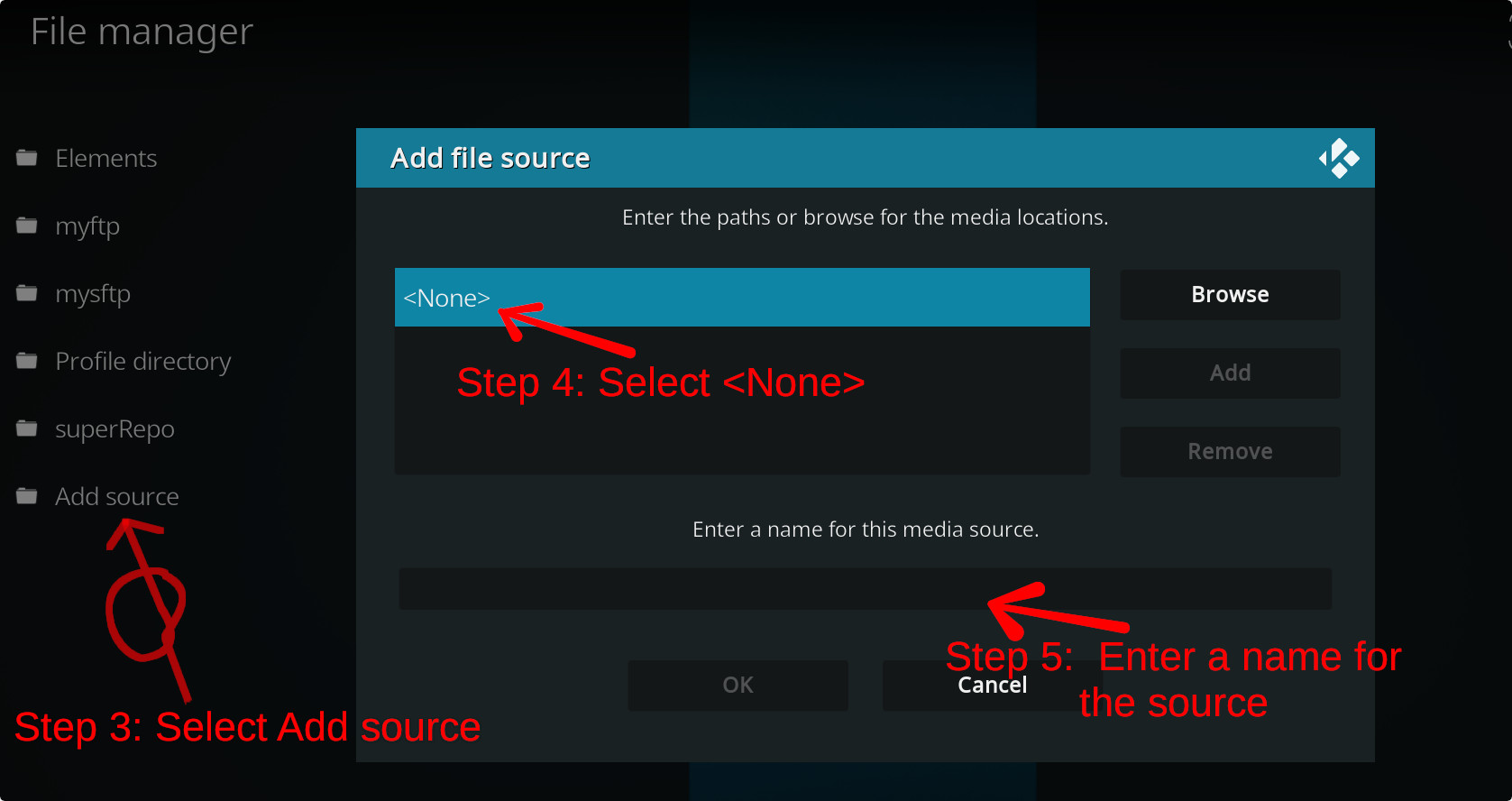
For a full installation guide please click here.
Additional Information
| Updated: | March 15, 2023 |
In Repositories: |
|
| Platform: | all |
| License: | GNU GENERAL PUBLIC LICENSE. Version 3, June 2007 |
Depends On: |