Help other people decide, vote up or down?
X

Protect your Privacy! use a VPN to download & surf annonymusly.
Identifying data, such as your IP: 216.73.217.145, is visible when you surf the Net. When using a VPN, your data is being switched by that of the VPN and not even your ISP can tell where you surfed.
Better safe than sorry...
Warrant for Python
Description
Packed for Kodi from https://github.com/capless/warrant
News
Version v1.0.1- Correctly get tag name- Run on tag instead of release- fix dev commit msg again- fix dev commit msg, tidyup- Deploy to prod repo- Update deploy.yml- switch to personal access token- Forgot to change TRAVIS_COMMIT_MSG to new- Fix syntax error and finish script for dev- Create deploy.yml - test run- Update to build leia/matrixVersion v1.0.0- Initial version
How To Install
Direct installation
Via Repository
Via Directory
- Download the addon.
- Open up Kodi and navigate into Add-ons.
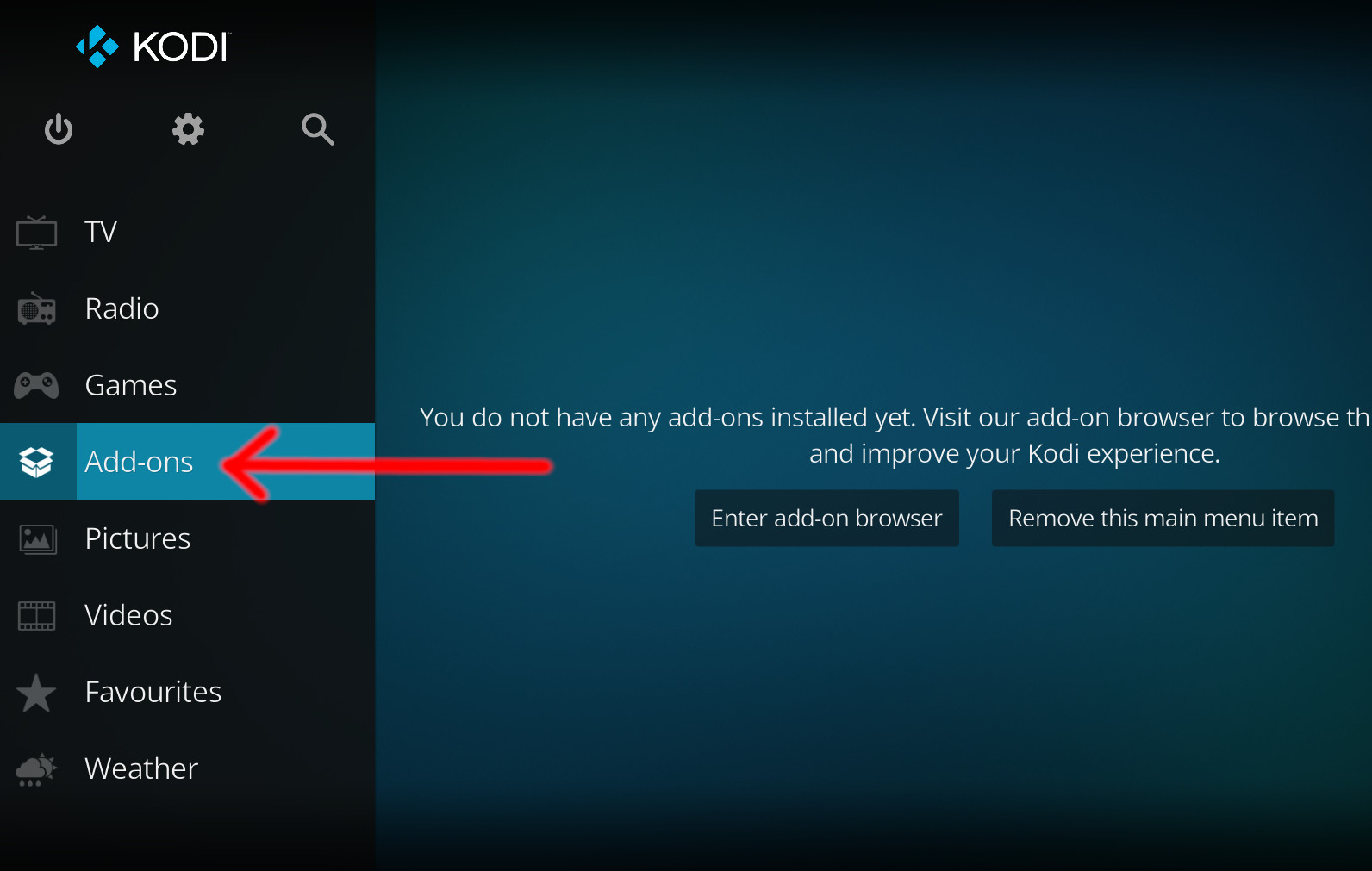
- Click the open box icon (above the side-menu).
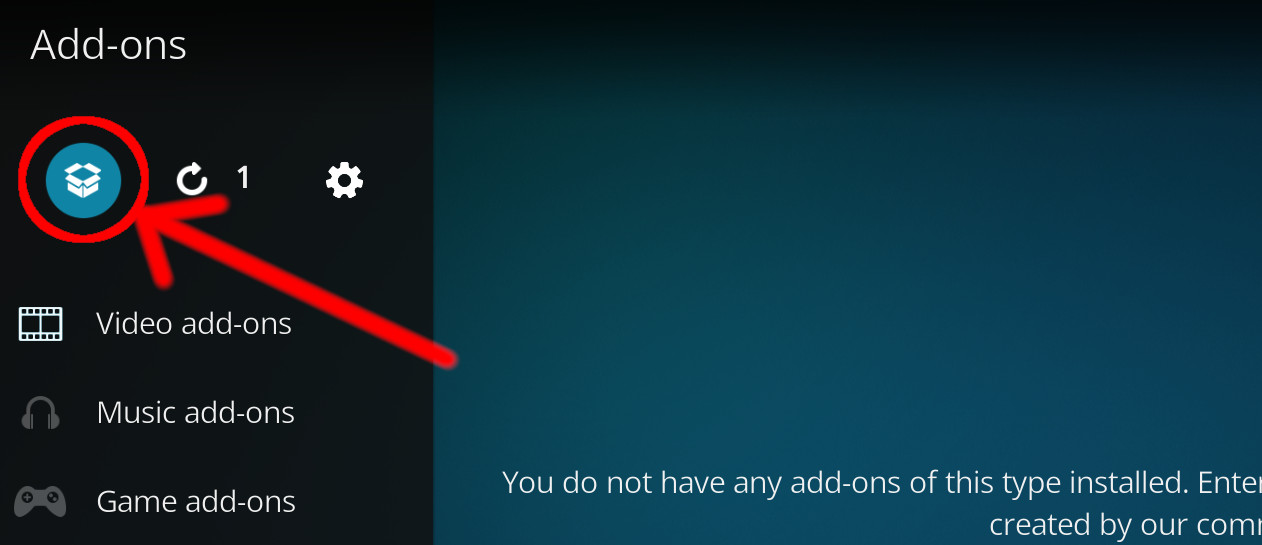
- Select Install from zip file.
- If this is the first addon you install, Kodi will warn you about installing addons from "unknown sources" for security reasons - it's your call.
- In any case, Kodi will warn you, you may not get auto-updates for this addon.
- Navigate into the location where you've downloaded the addon to and select it to Install.
For a full installation guide please click here.
Additional Information
WebsiteForumSource
| Updated: | March 29, 2021 |
In Repositories: | |
| Platform: | all |
Alternative Sources: | Download 1Download 2Download 3Download 4Download 5Download 6 |
| License: | Not specified |
Depends On: |