Help other people decide, vote up or down?
X
Bypass geo-blocked content! and stay safe & annonymus online.
If you're blocked from viewing content based on your location, consider using a VPN to unblock it. A VPN is a service that switches your online identity with another one so that you appear online as if you're from another geographical location.
Check out NordVPN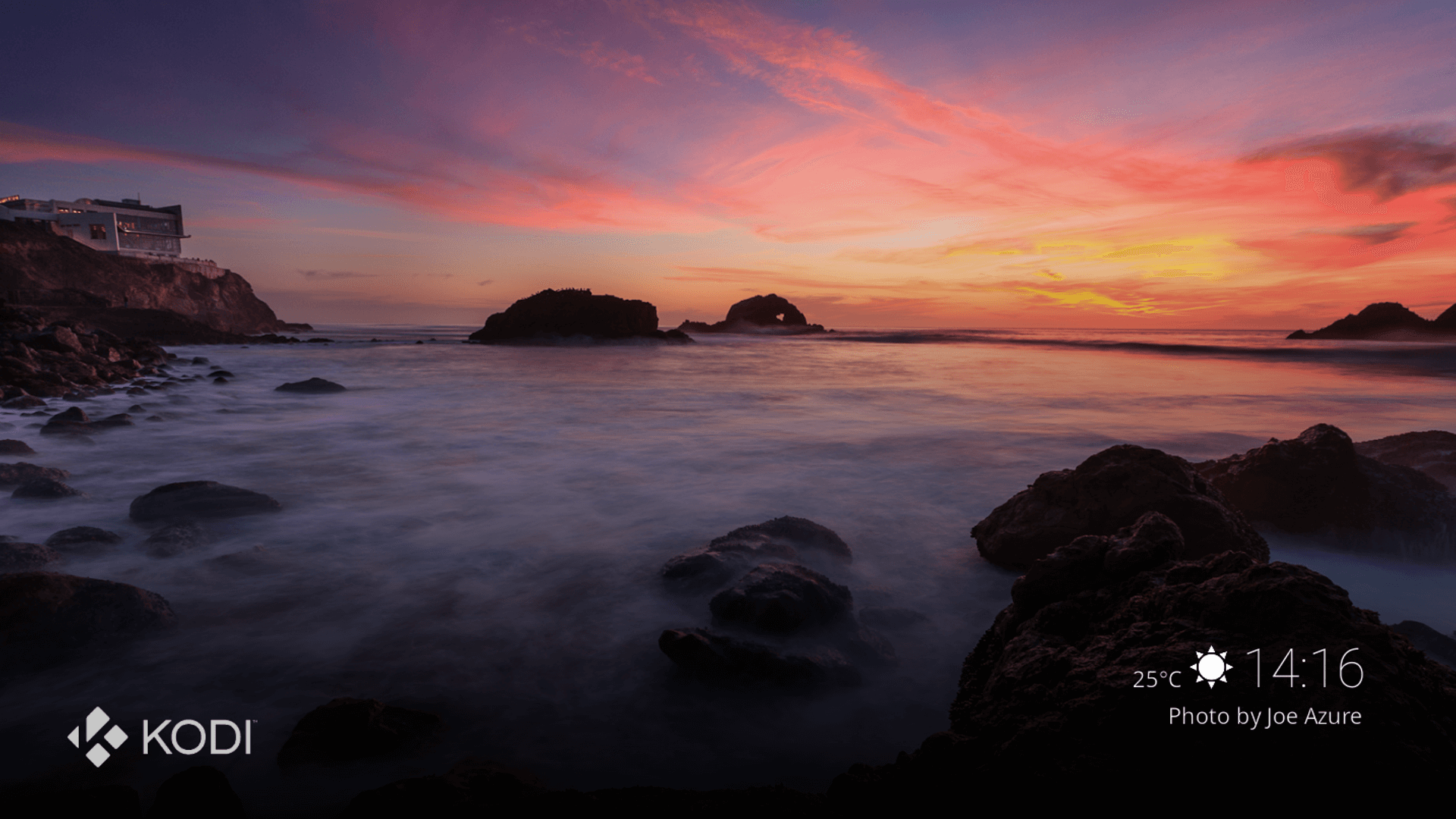
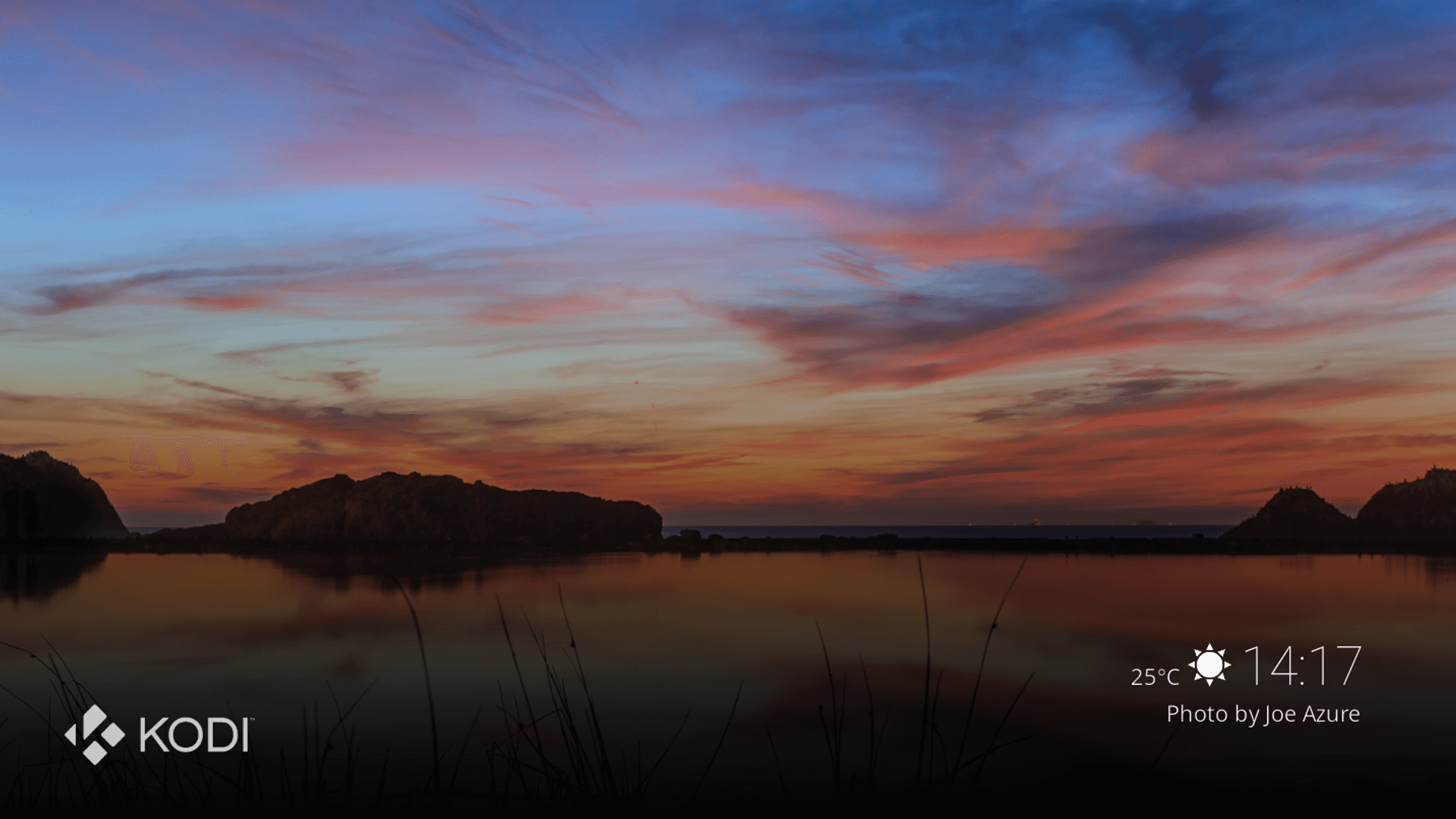
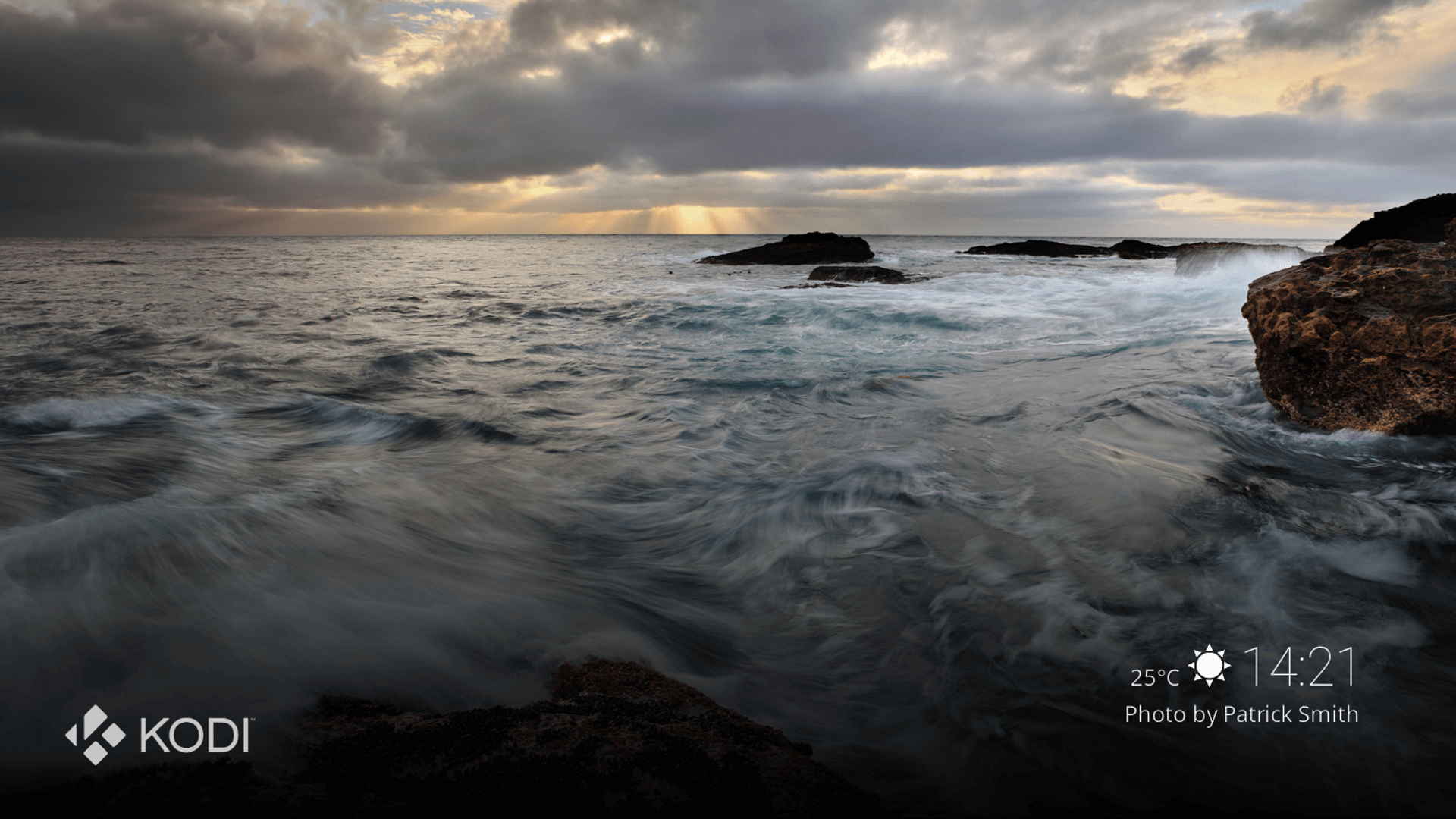
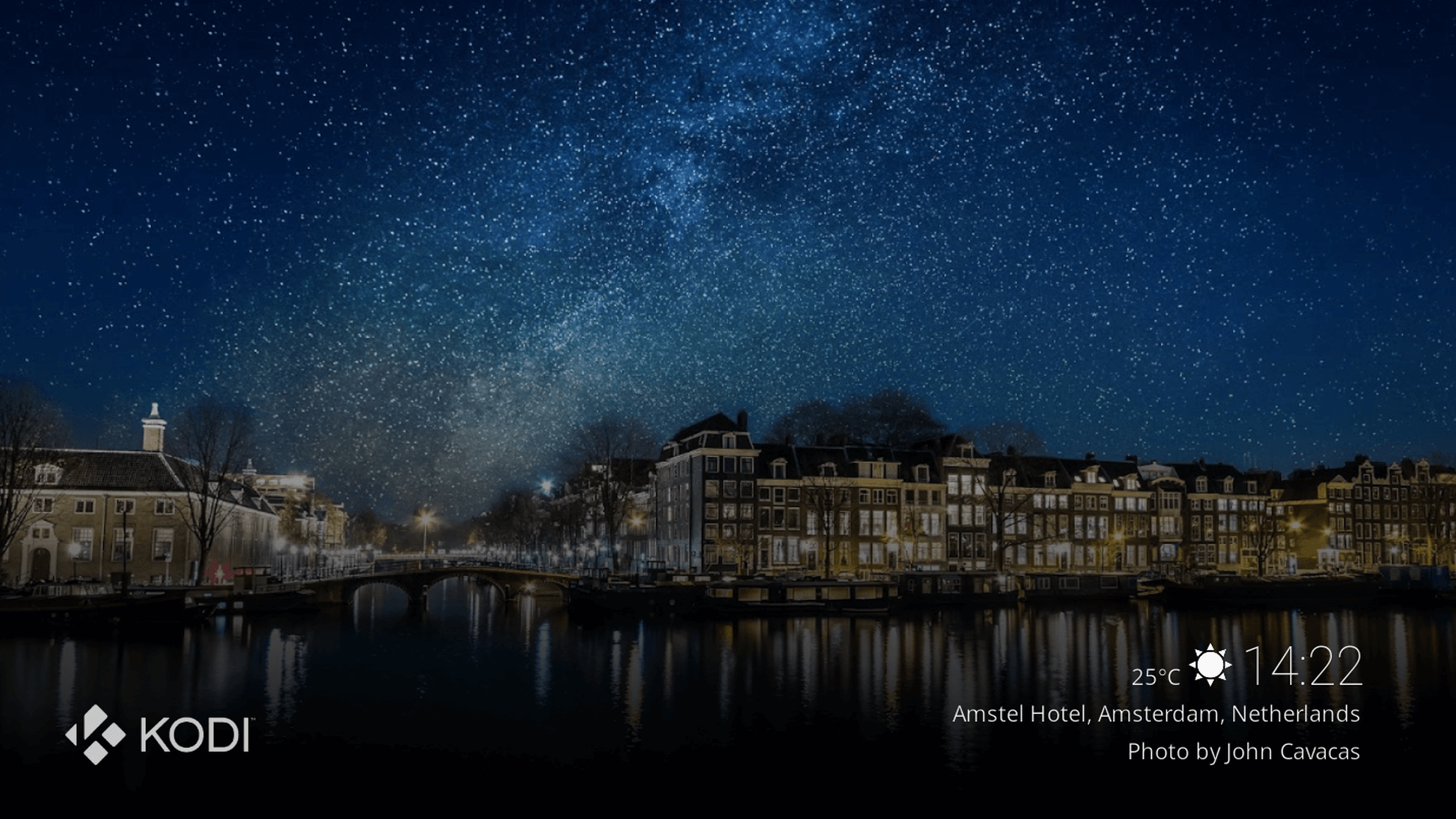
A chromecast-like screensaver for Kodi
Description
Display beautiful pictures originally from the chromecast screensaver. You can also display your own photos along with its respective information.
News
v1.3.6 (21/09/2021) [fix] line2 does not get cleared with user photos (tks @fuse314) [fix] allow pictures folder to be read-only (tks @fuse314)
How To Install
Direct installation
Via Repository
Via Directory
- Download the addon.
- Open up Kodi and navigate into Add-ons.
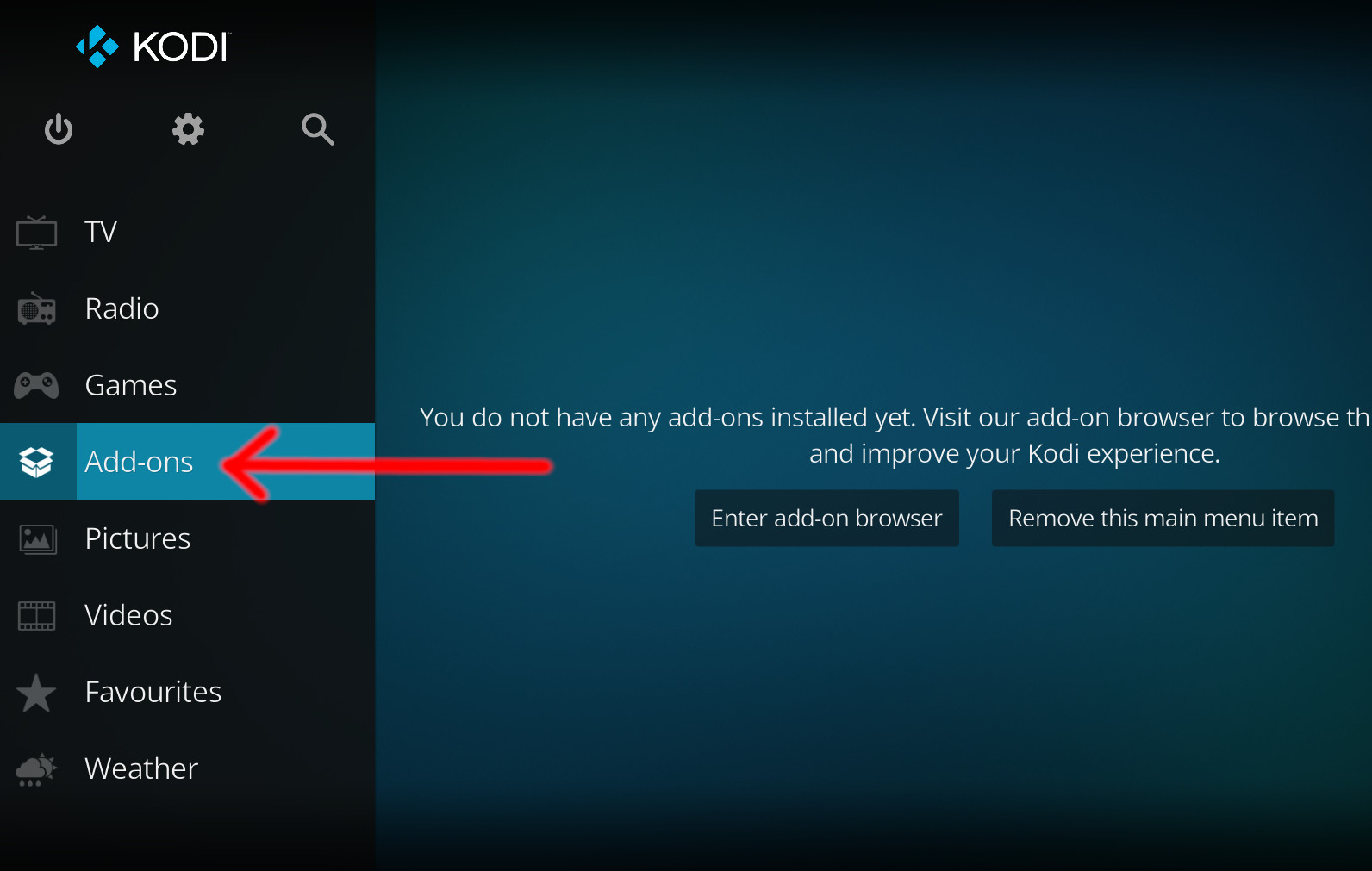
- Click the open box icon (above the side-menu).
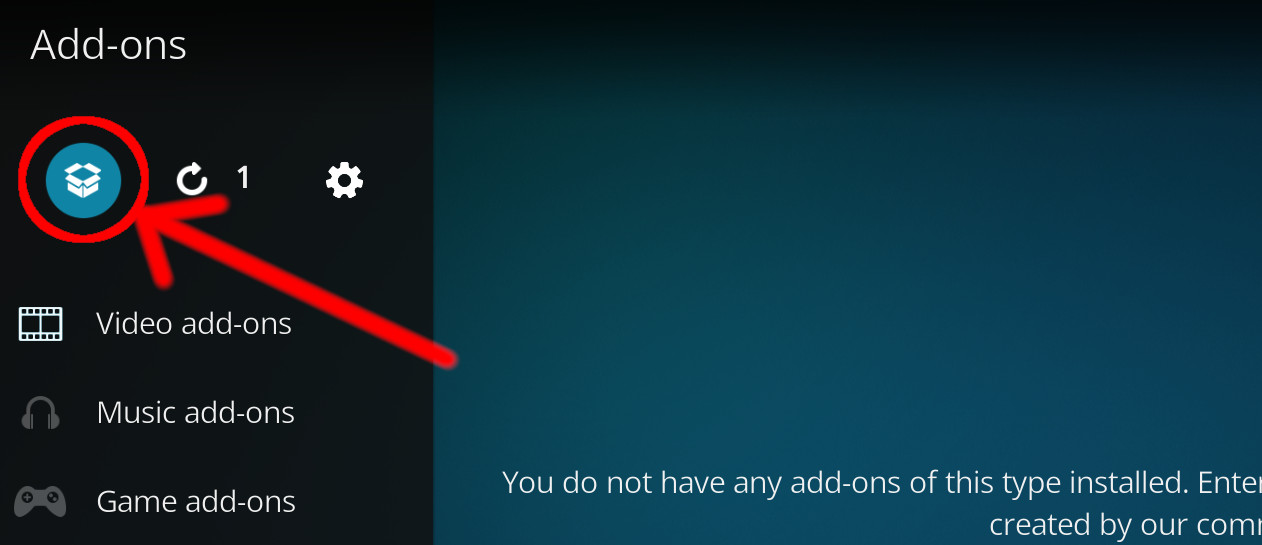
- Select Install from zip file.
- If this is the first addon you install, Kodi will warn you about installing addons from "unknown sources" for security reasons - it's your call.
- In any case, Kodi will warn you, you may not get auto-updates for this addon.
- Navigate into the location where you've downloaded the addon to and select it to Install.
For a full installation guide please click here.
Additional Information
| Updated: | September 28, 2021 |
In Repositories: |
|
| Platform: | all |
Alternative Sources: | Download 1Download 2 |
| License: | GPL-2.0-or-later |
Depends On: |