Help other people decide, vote up or down?
Description
Phantom Xtrmz
How To Install
Direct installation
Via Repository
Via Directory
- First make sure you have the repository installed
- Open up Kodi and navigate into Add-ons.
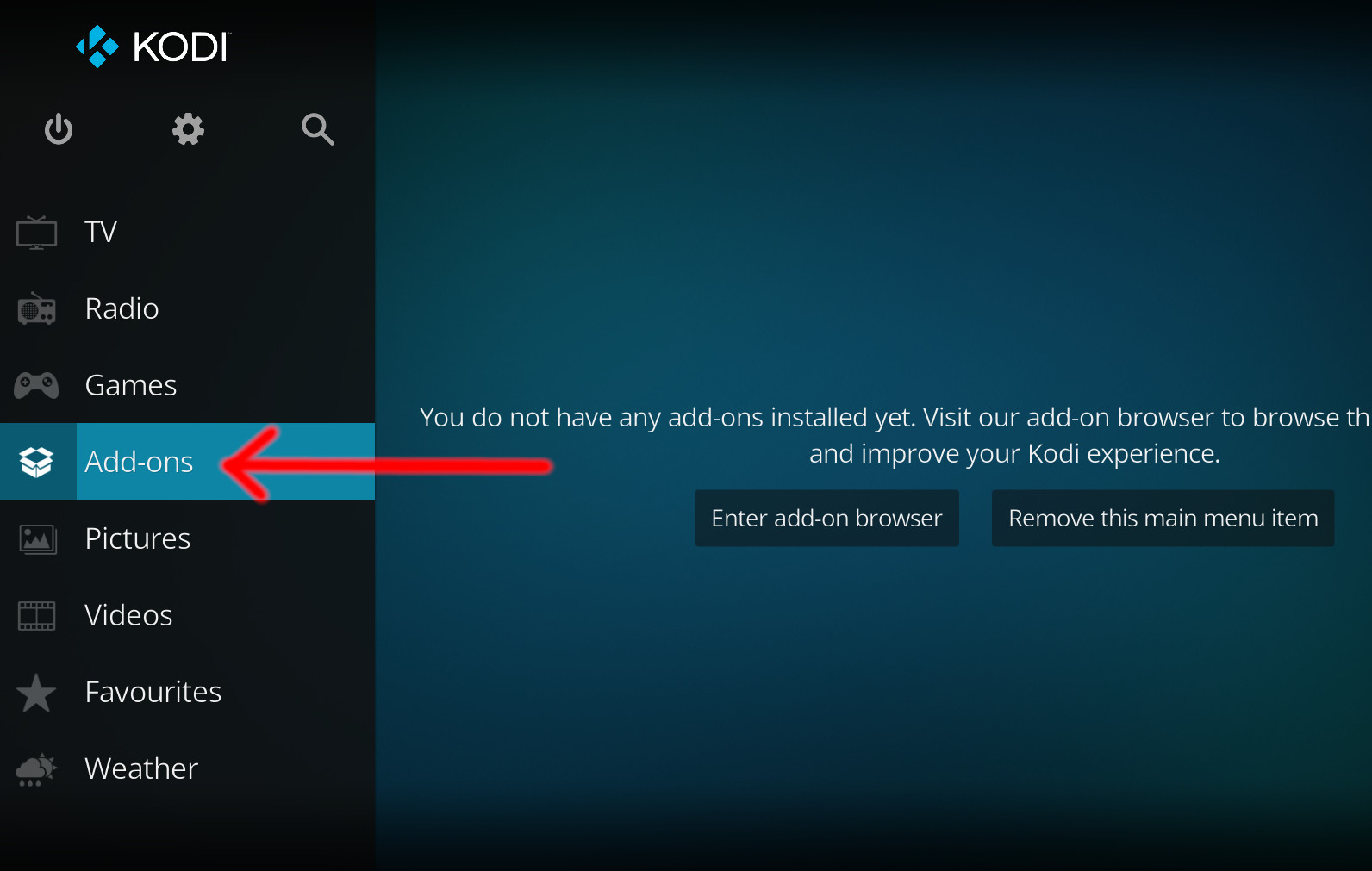
- Click the open box icon (above the side-menu).
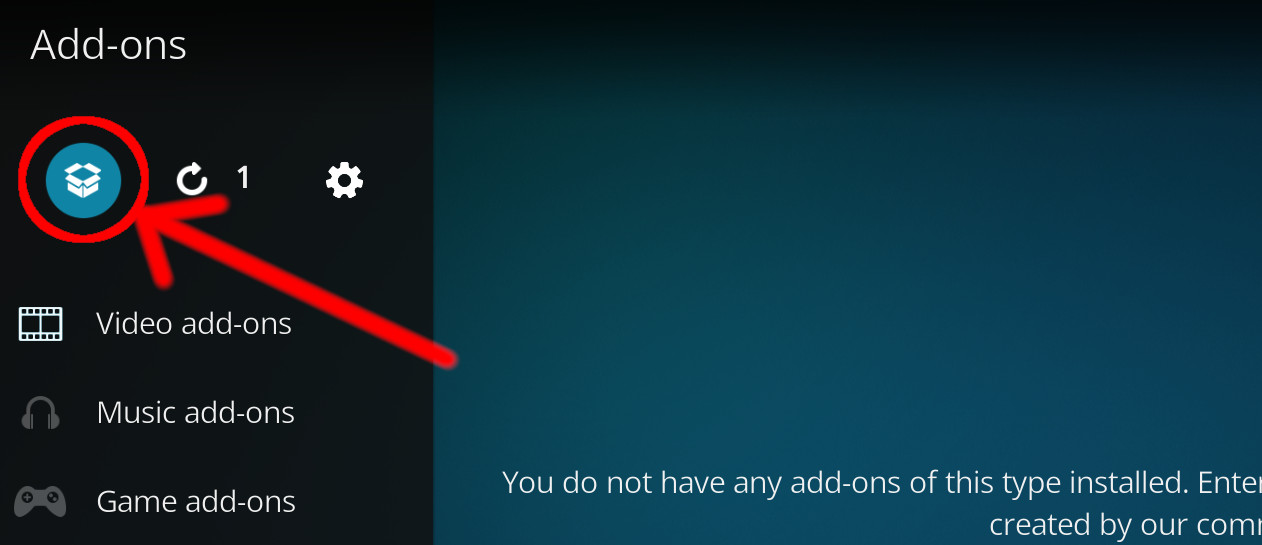
- Select Install from repository.
- If you have at least one repository (besides the default) installed:
Select the repository you wish to install from.
- If you have at least one repository (besides the default) installed:
- Select the category the addon belongs to, in this case it should be video.
- Select Phantom Xtrmz.
- Click Install.
For a full installation guide please click here.
Additional Information
WebsiteForumSource
| Updated: | January 13, 2021 |
In Repositories: | |
| Platform: | all |
| License: | Not specified |
Depends On: |