jeds build update wizard
Bypass geo-blocked content! and stay safe & annonymus online.
If you're blocked from viewing content based on your location, consider using a VPN to unblock it. A VPN is a service that switches your online identity with another one so that you appear online as if you're from another geographical location.
Check out NordVPNJeds Build Update Wizard
Description
easy install with jeds wizard. **instructions** if coming from a different build please go to the firestick settings/manage applications/kodi and clear cache and data. then reopen kodi, go to system/file manager/add source and reinstall repo from http://jedsrepo.x10host.com. then go too system/addons/install from zip file/jeds to install wizard. * if only updating build, just run the wizard. when finished downloading just hold the play button ant the center home button on the remote for 10 seconds to reset the firestick. **after installation please run the clear cache and purge packages in the maintenence section. enjoy!!
How To Install
Direct installation
Via Repository
Via Directory
- First make sure you have the repository installed
- Open up Kodi and navigate into Add-ons.
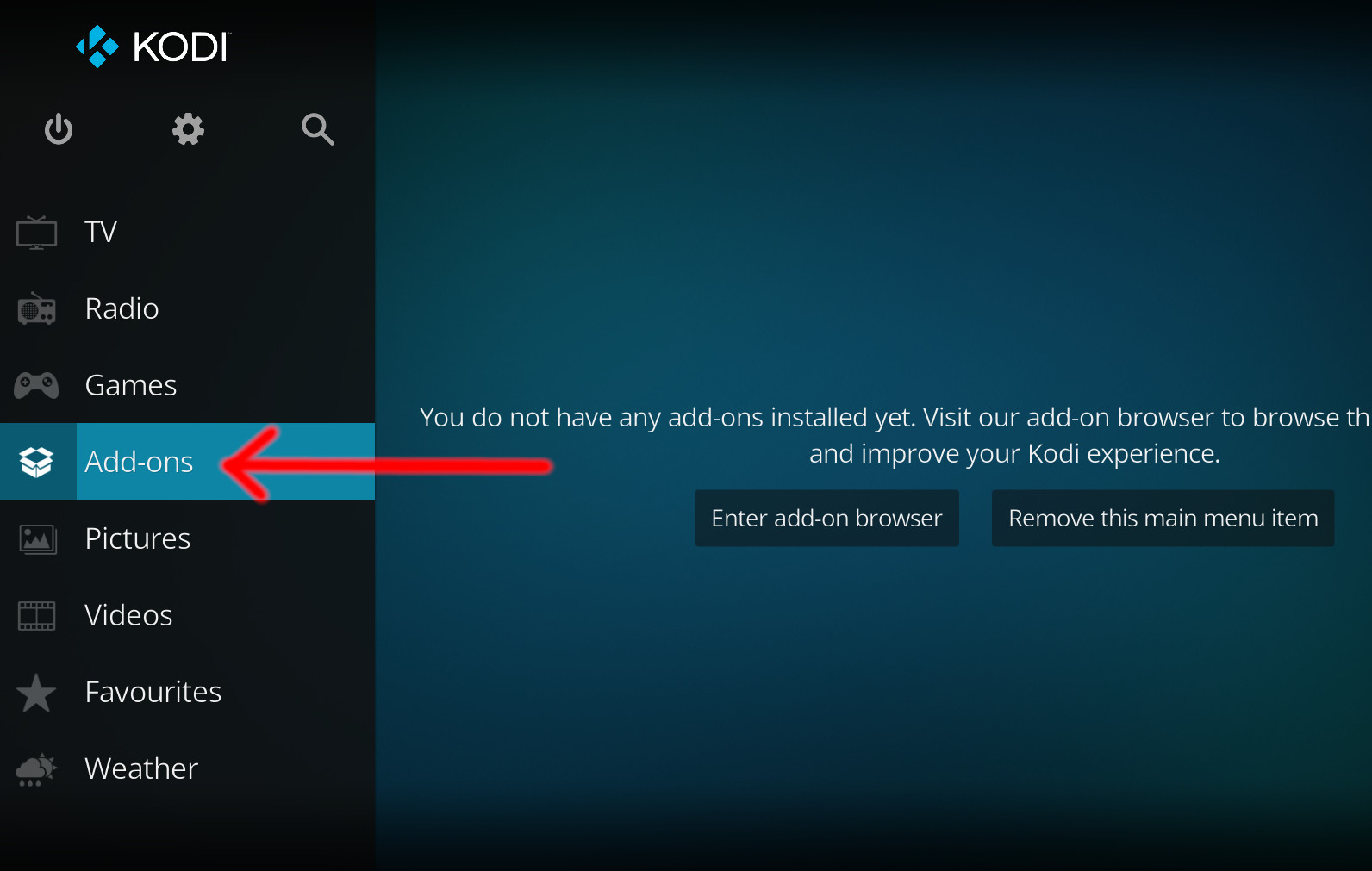
- Click the open box icon (above the side-menu).
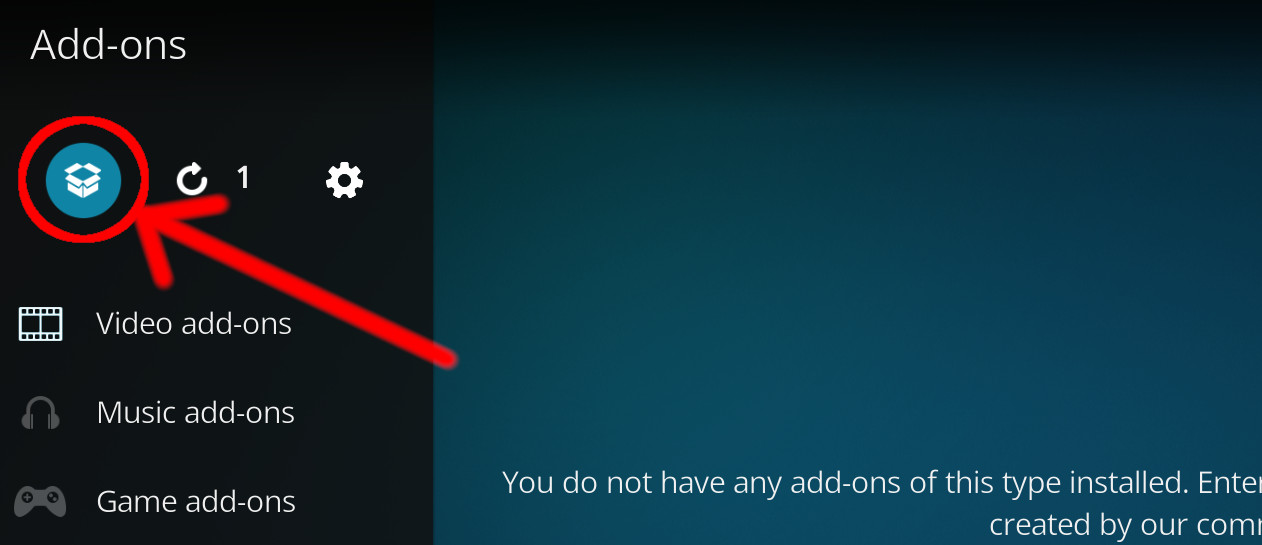
- Select Install from repository.
- If you have at least one repository (besides the default) installed:
Select the repository you wish to install from.
- If you have at least one repository (besides the default) installed:
- Select the category the addon belongs to, in this case it should be video.
- Select jeds build update wizard.
- Click Install.
For a full installation guide please click here.
Additional Information
| Updated: | March 03, 2020 |
In Repositories: | |
| Platform: | all |
| License: | Not specified |
Depends On: |