Unlock geo-blocked content! and stay safe & annonymus online.
Some content on the Internet is blocked depending on your location. If you want to unblock content while staying safe & annonymus online - simply, install a VPN and get ready to access content you have been barred from thus far.
Download NordVPNFashion TV Player addon for Kodi
Disclaimer
This addon is not published nor endorsed by fashiontv.com
Description
Fashion TV live and on-demand broadcasts
News
2.0.X - Update for new website design - Add search function - Add shortcut to live channels - New YouTube API keys 1.3.X - Change cache method - Place youtube channels on submenu - Change main label from "Live" to "Fashion TV Live" - Remove check for inputstream addon 1.2.0 - Update youtube api keys - Rework of router scheme - Tweaks for Matrix 1.1.0 - Add bookmarking feature 1.0.3 - Added FTV news channel 1.0.2 - Re-addition of previously unsupported streams - Properly check for stream m3u8/mpd and dash activation 1.0.1 - Removed unsupported streams - Check if Kodi Leia+ for asking about inputstream addon 1.0.0 - Final stable version 0.0.1~alpha1 - Initial version
How To Install
Direct installation
Via Repository
Via Directory
- First make sure you have the repository installed
- Open up Kodi and navigate into Add-ons.
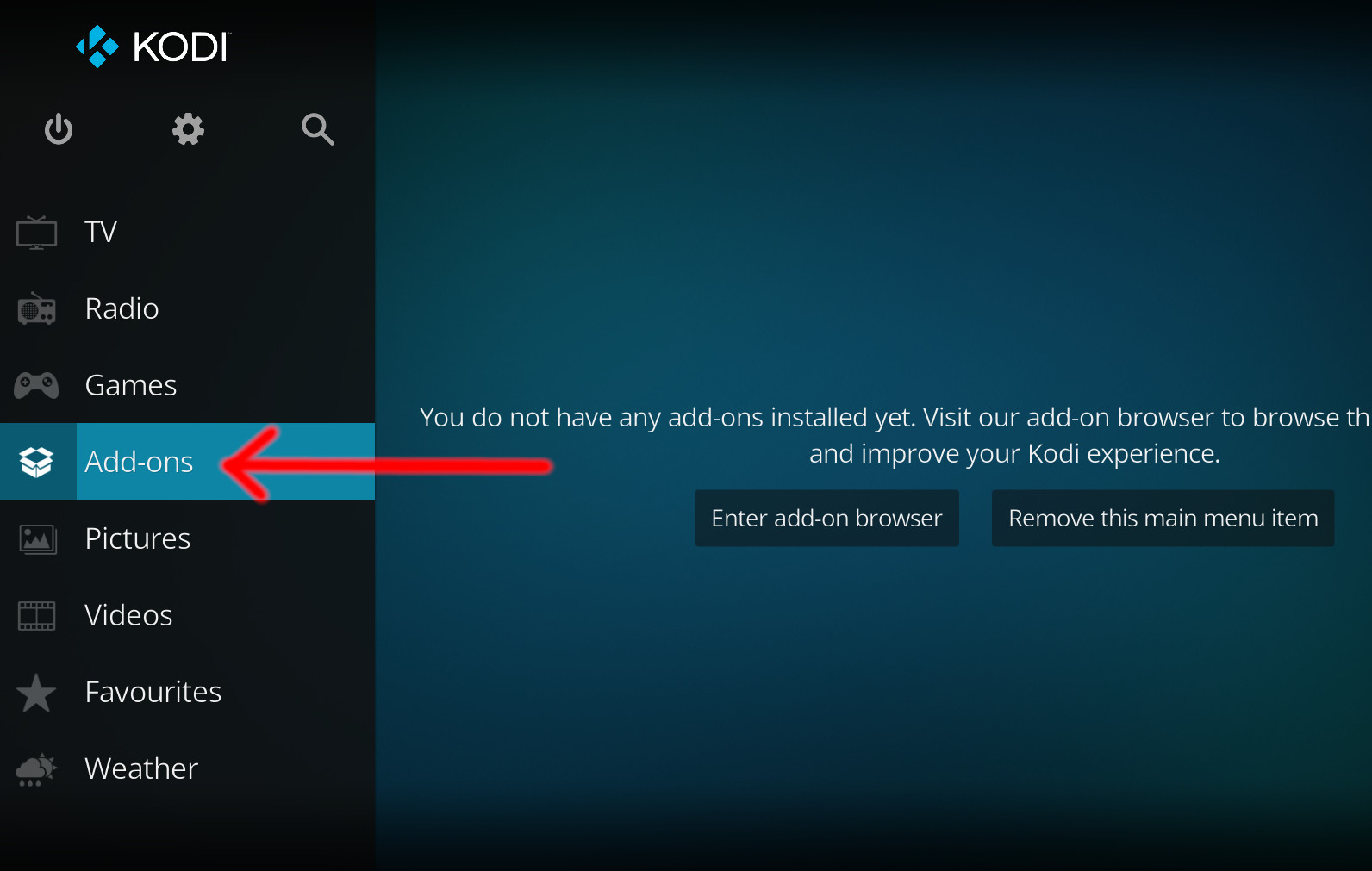
- Click the open box icon (above the side-menu).
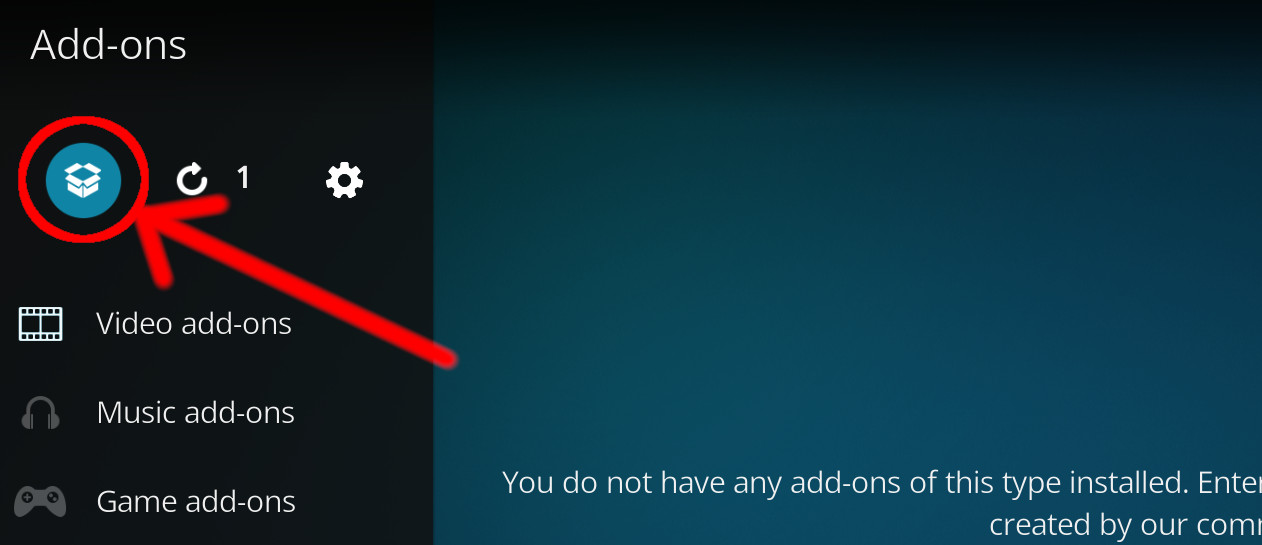
- Select Install from repository.
- If you have at least one repository (besides the default) installed:
Select the repository you wish to install from.
- If you have at least one repository (besides the default) installed:
- Select the category the addon belongs to, in this case it should be video.
- Select Fashion TV Player.
- Click Install.
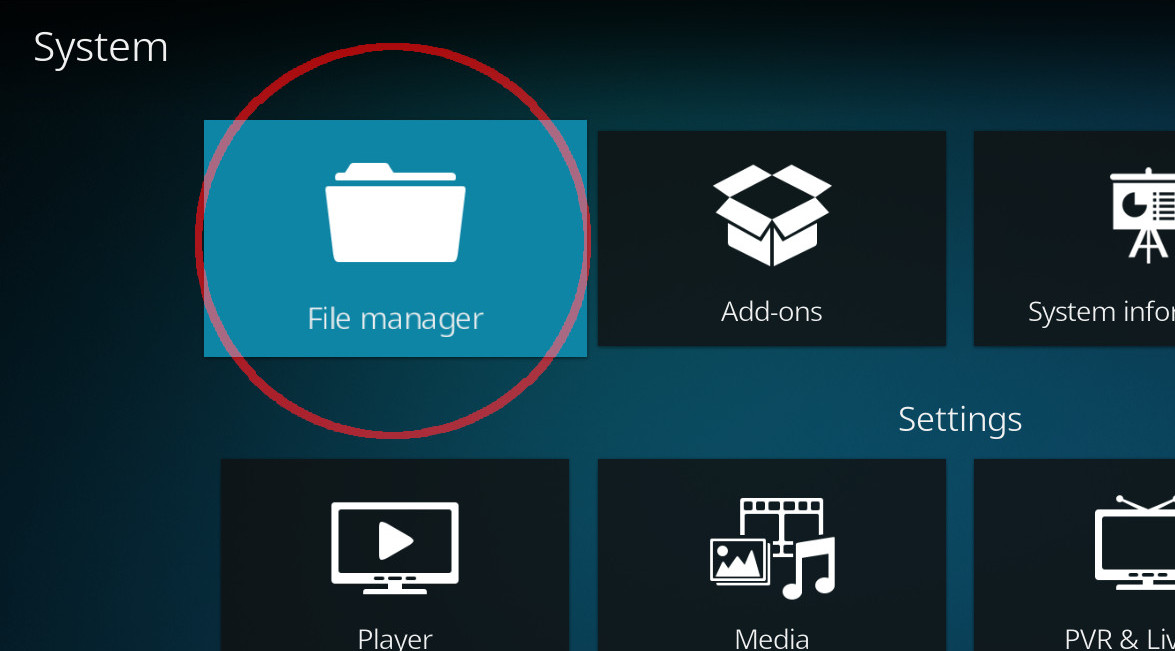
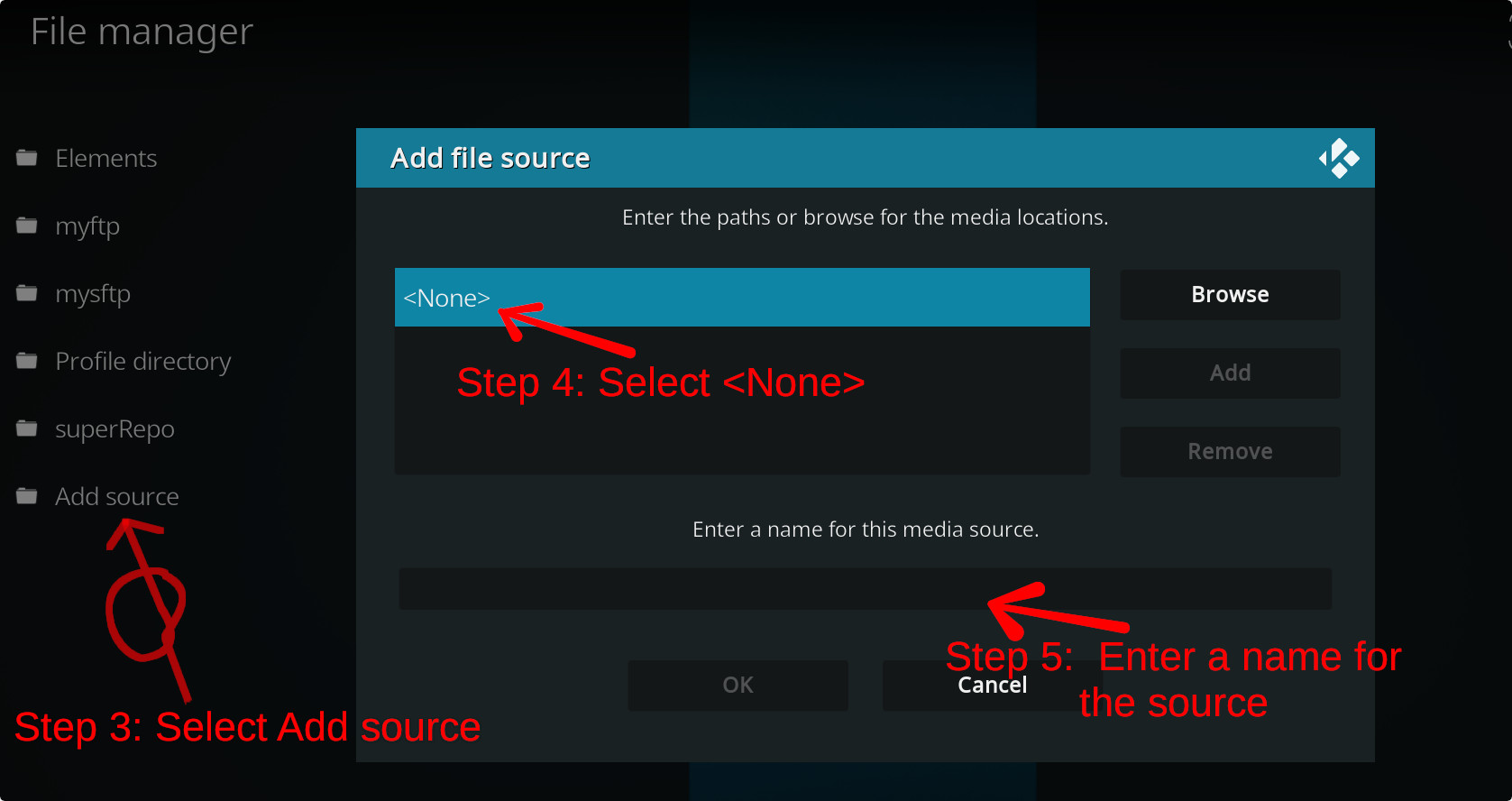
For a full installation guide please click here.
Additional Information
| Updated: | December 26, 2021 |
In Repositories: | |
| Platform: | all |
| License: | GPL-3.0-only |
Depends On: |