Unlock geo-blocked content! and stay safe & annonymus online.
Some content on the Internet is blocked depending on your location. If you want to unblock content while staying safe & annonymus online - simply, install a VPN and get ready to access content you have been barred from thus far.
Download NordVPN
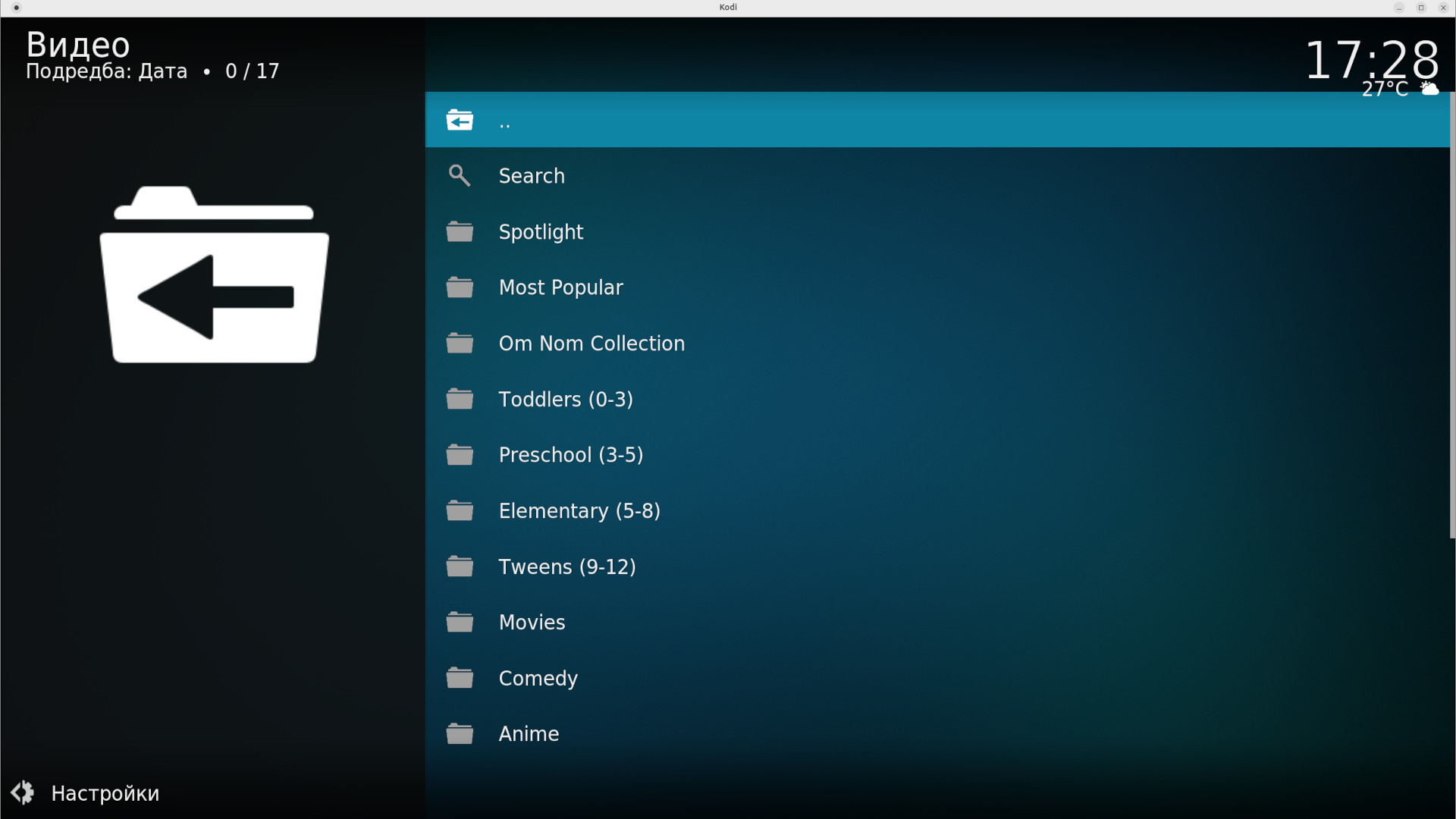
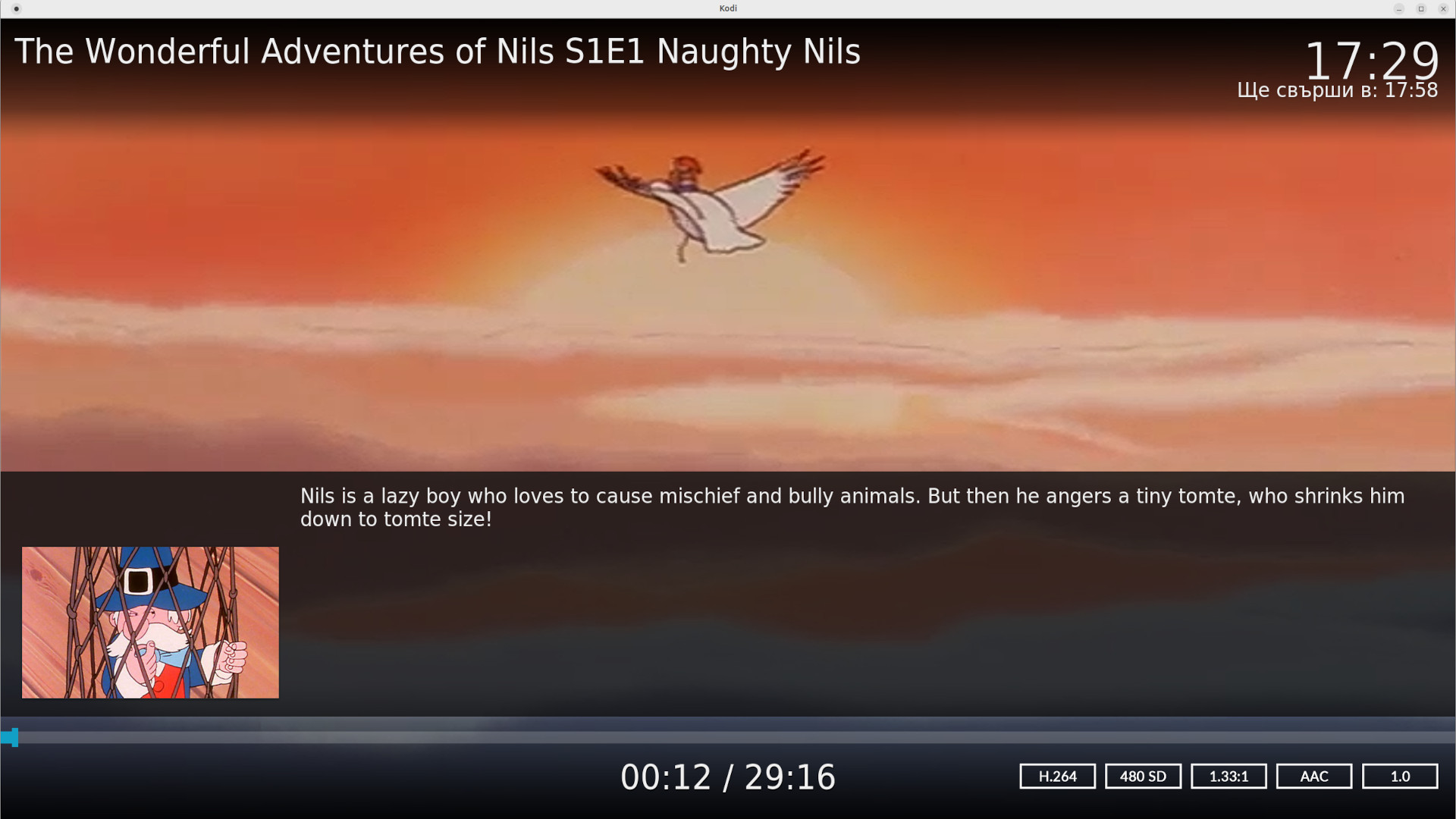
Cocoro - TV Shows for Kids
Disclaimer
This is not an official addon! If the official APP is available for your platform, use it instead of this addon. All rights on content are reserved by Digital Media Rights.
Description
Welcome to Cocoro: the ultimate imagination destination for the family on-the-go. Watch kid-friendly shows designed to educate and entertain. Access content approved by colorful original characters from the world of Cocoro. Let your kids explore!
News
NEW: Addon Setting Sort categories in the main menu in alphabetical order.
How To Install
Direct installation
Via Repository
Via Directory
- Download the addon.
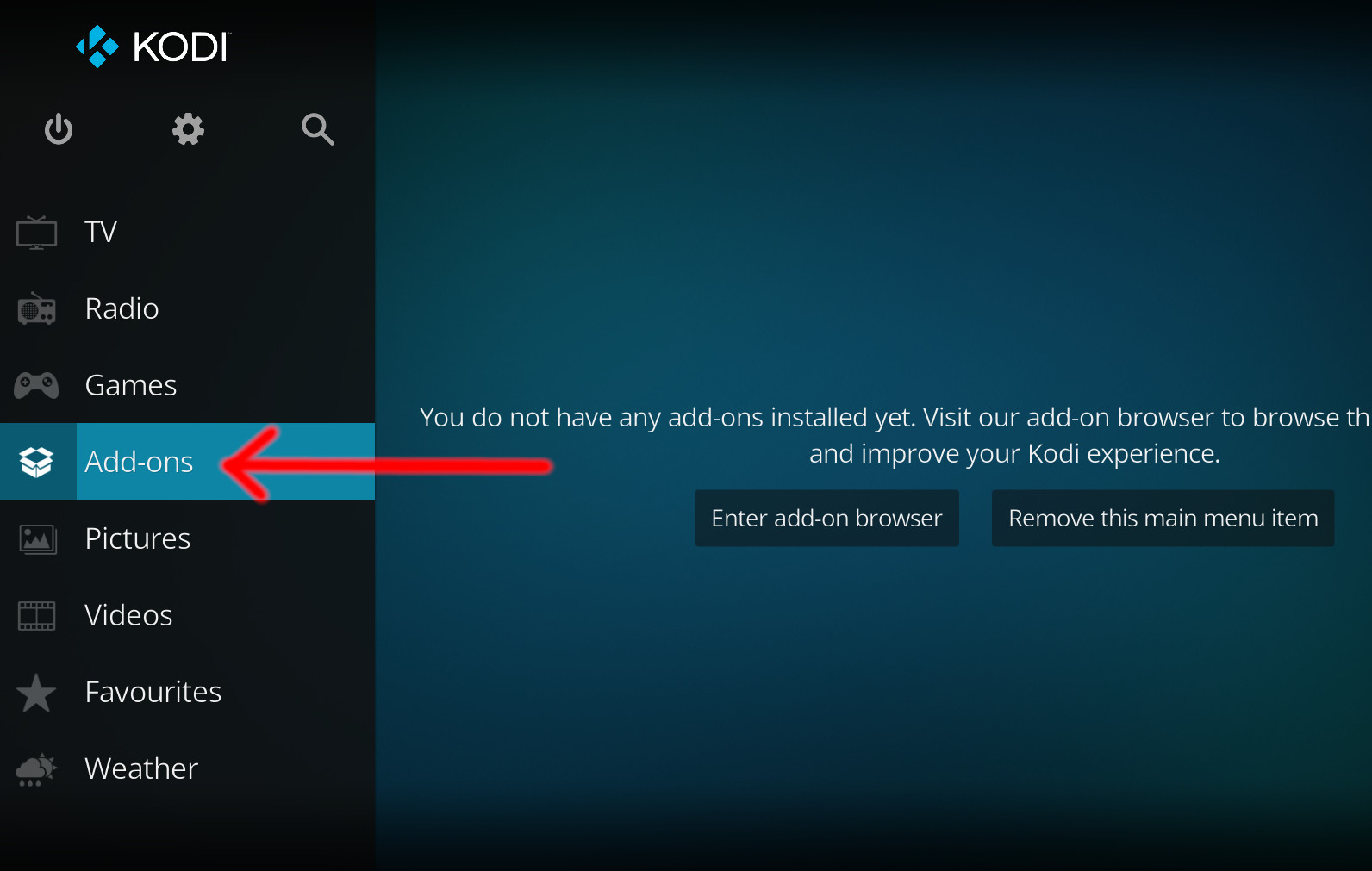
- Open up Kodi and navigate into Add-ons.
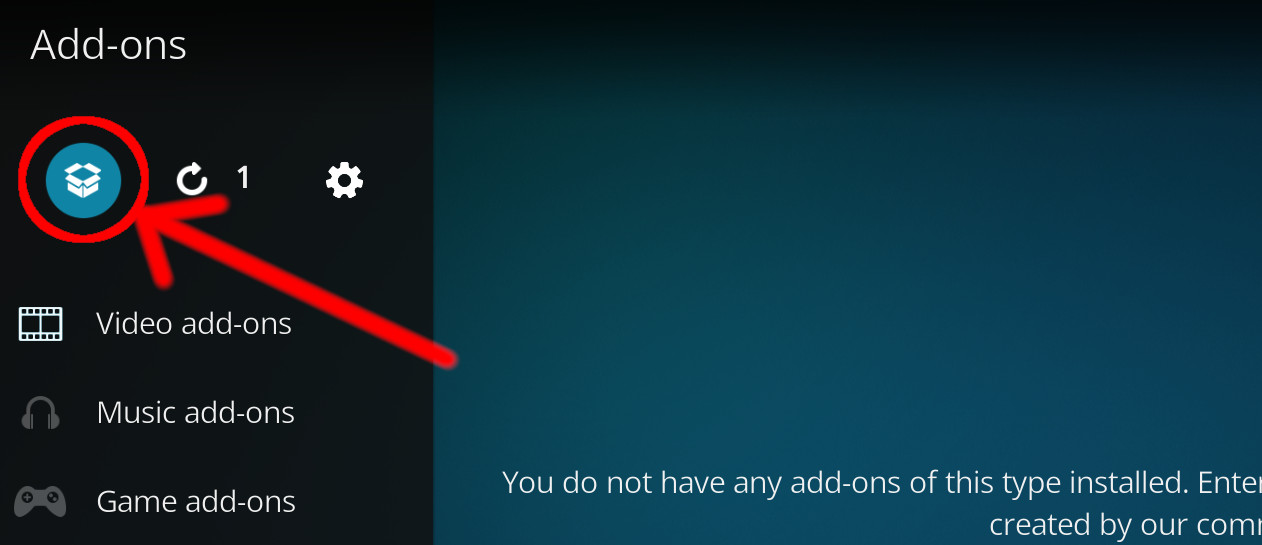
- Click the open box icon (above the side-menu).
- Select Install from zip file.
- If this is the first addon you install, Kodi will warn you about installing addons from "unknown sources" for security reasons - it's your call.
- In any case, Kodi will warn you, you may not get auto-updates for this addon.
- Navigate into the location where you've downloaded the addon to and select it to Install.
For a full installation guide please click here.
Additional Information
| Updated: | July 17, 2022 |
In Repositories: | |
| Platform: | all |
| License: | GNU GENERAL PUBLIC LICENSE. Version 2, June 1991 |
Depends On: |