

Protect your Privacy! use a VPN to download & surf annonymusly.
Identifying data, such as your IP: 216.73.216.6, is visible when you surf the Net. When using a VPN, your data is being switched by that of the VPN and not even your ISP can tell where you surfed.
Better safe than sorry...

Disclaimer
Автора на приставката не носи отговорност за наличното в сайта btvplus.bg съдържание, за ефекта от инсталирането й във вашето устройство, както и за характера на техническите ви проблеми! Това не е официална приставка! Ако официално приложение е достъпно за вашата платформа, използвайте него вместо тази приставка. Всички права върху съдържанието са запазени от БТВ Медиа Груп ЕАД
Description
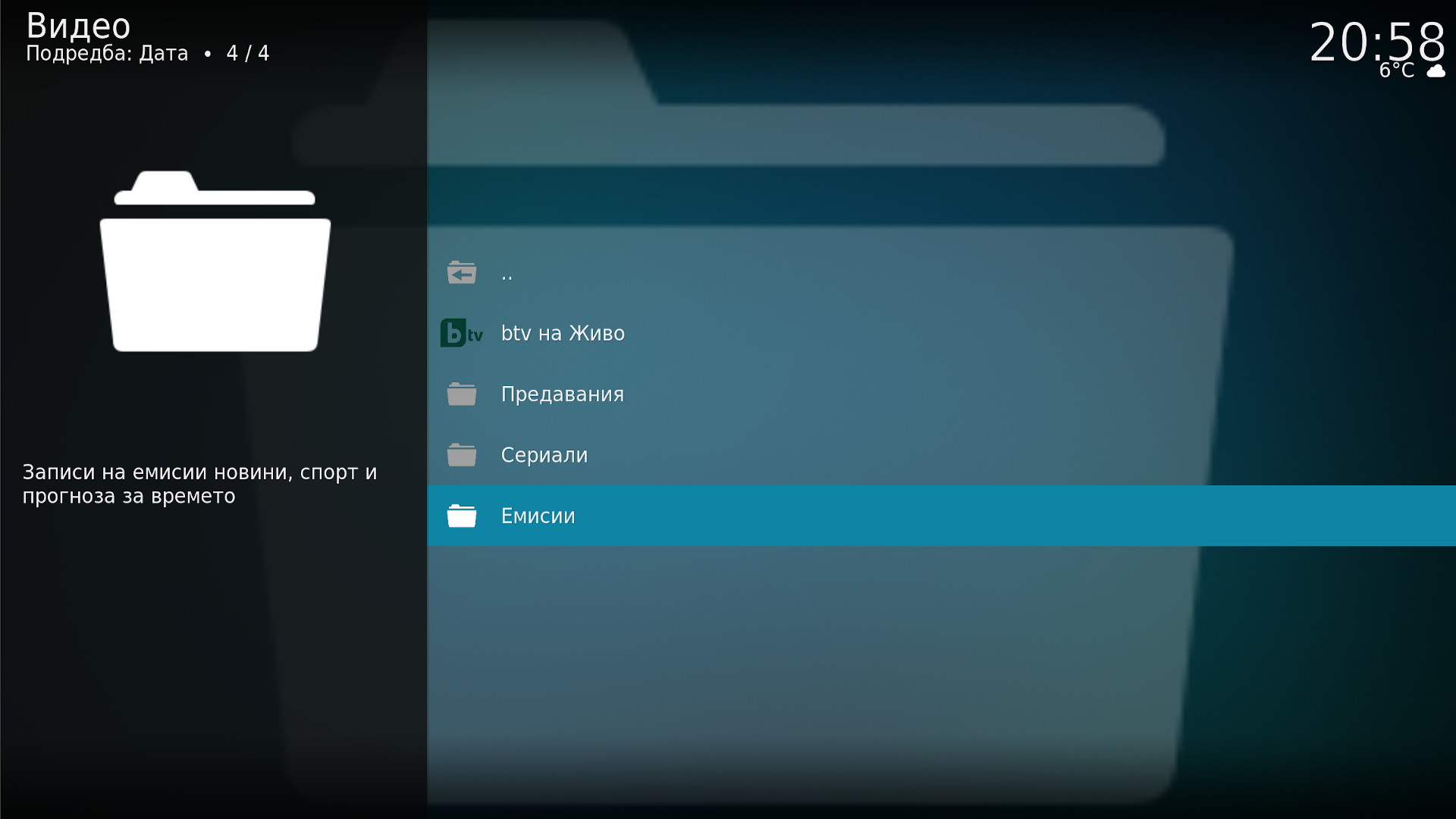
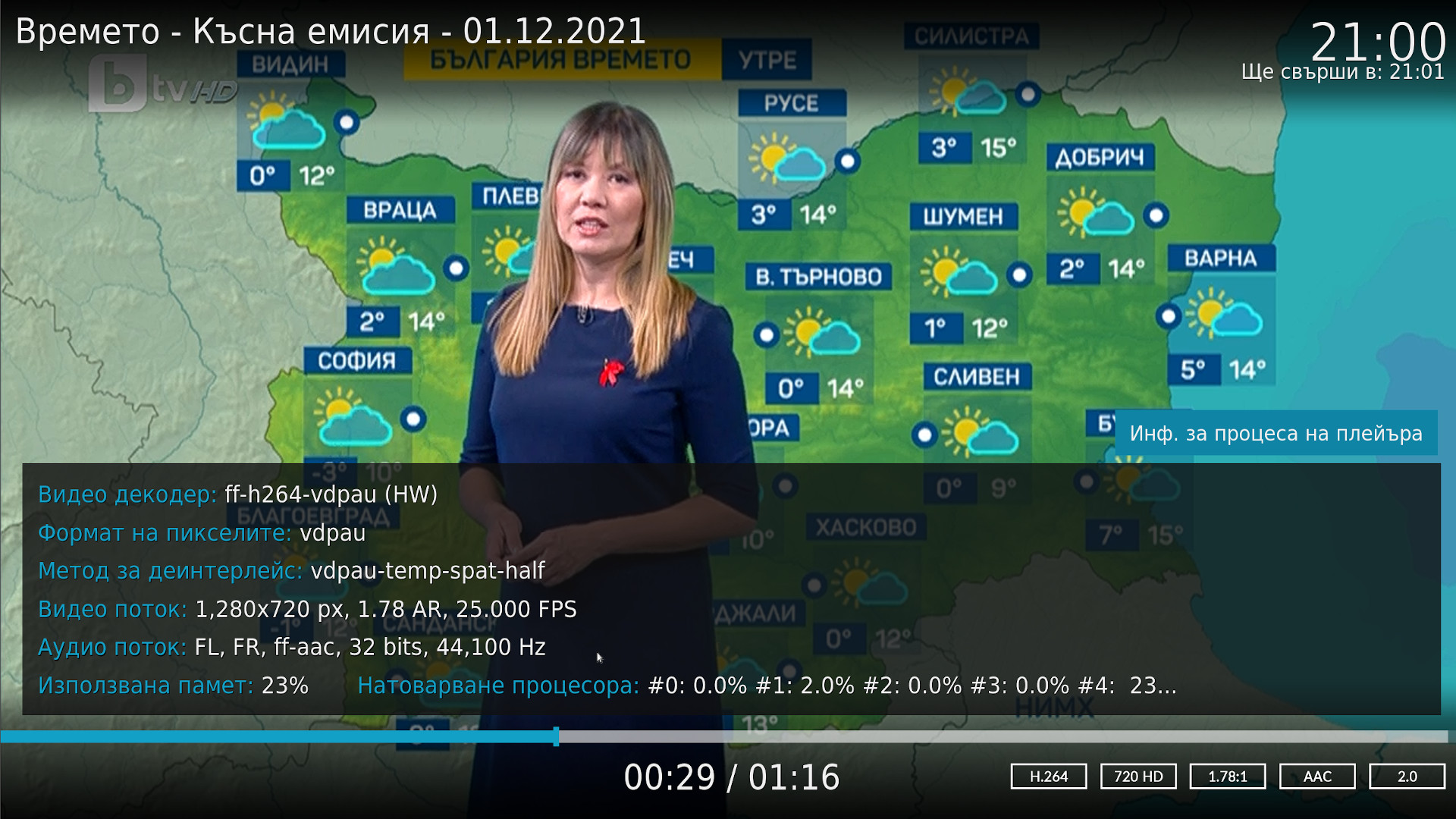
VOD платформа с авторско съдържание на БТВ Медиа Груп ЕАД - предавания, сериали, емисии новини, спортни емисии, прогнозата за времето. Гледане на живо.
News
: Визуализиране заглавието на текущото предаване по btv на живо.
How To Install
Direct installation
Via Repository
Via Directory
- Download the addon.
- Open up Kodi and navigate into Add-ons.
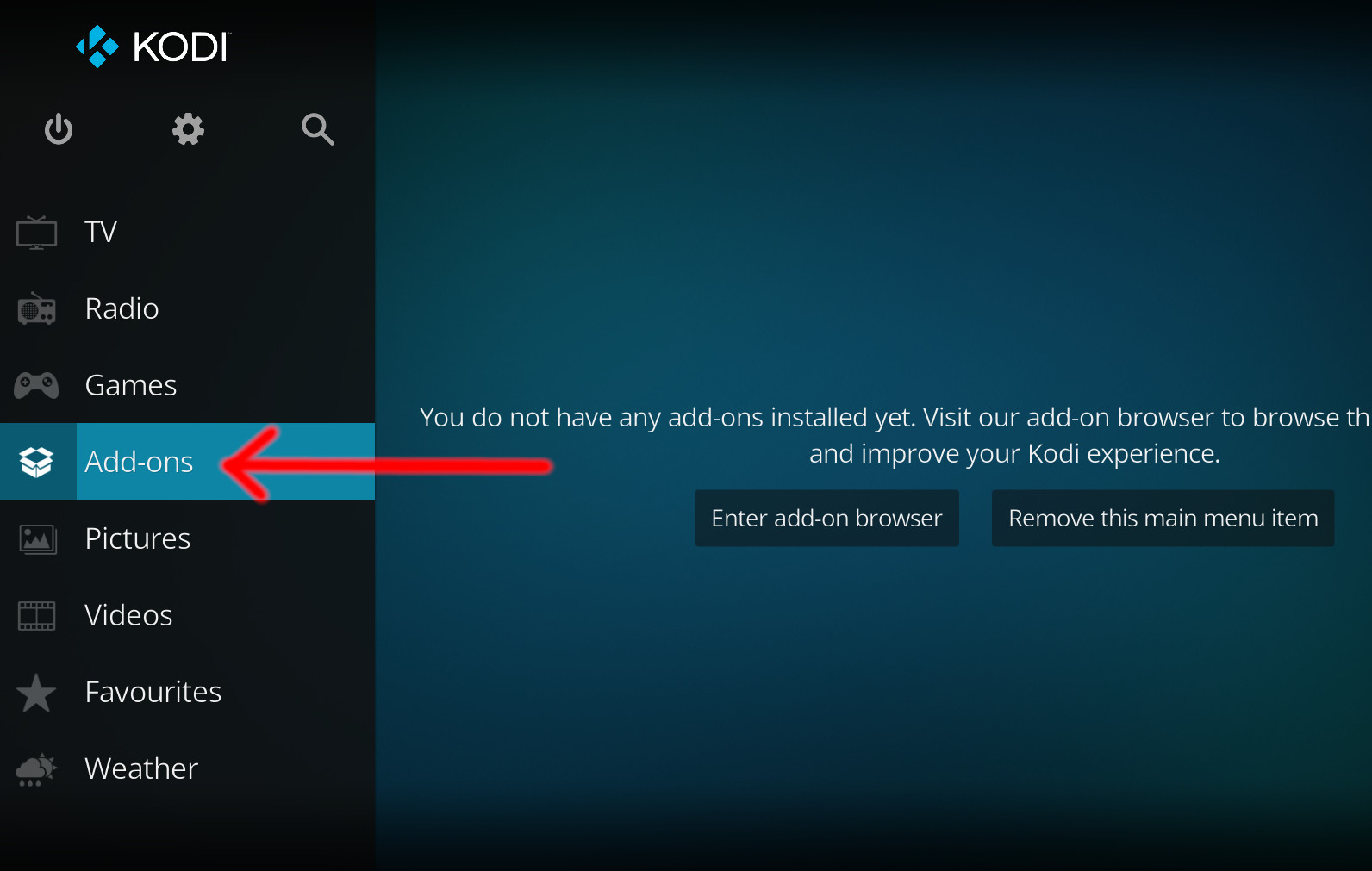
- Click the open box icon (above the side-menu).
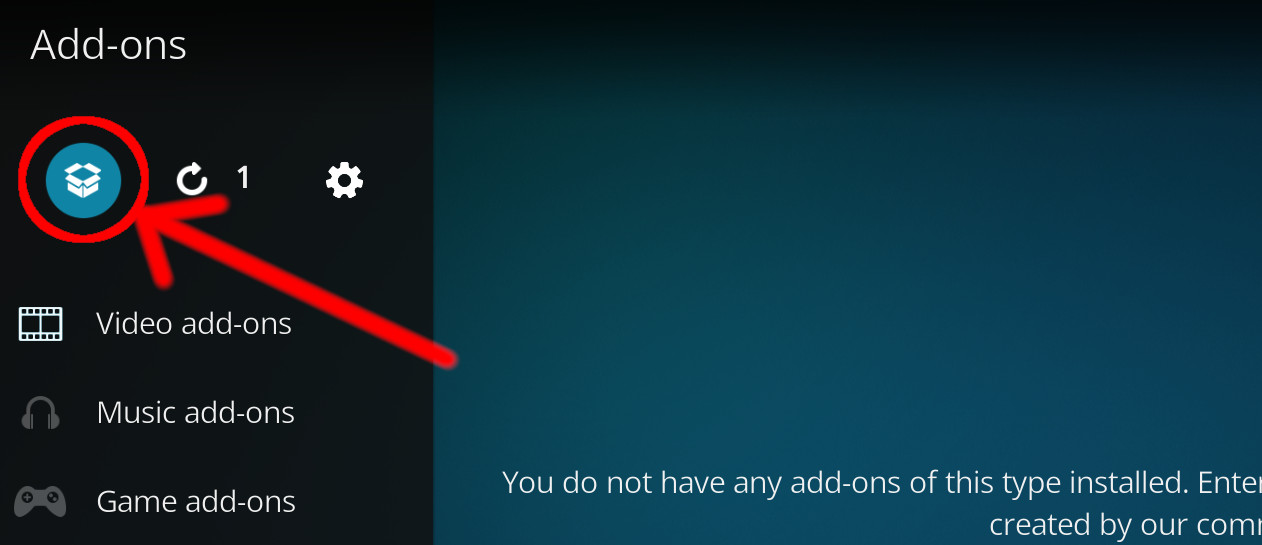
- Select Install from zip file.
- If this is the first addon you install, Kodi will warn you about installing addons from "unknown sources" for security reasons - it's your call.
- In any case, Kodi will warn you, you may not get auto-updates for this addon.
- Navigate into the location where you've downloaded the addon to and select it to Install.
For a full installation guide please click here.
Additional Information
| Updated: | January 02, 2024 |
In Repositories: | |
| Platform: | all |
| License: | GNU GENERAL PUBLIC LICENSE. Version 2, June 1991 |
Depends On: |