
Protect your Privacy! use a VPN to download & surf annonymusly.
Identifying data, such as your IP: 216.73.216.6, is visible when you surf the Net. When using a VPN, your data is being switched by that of the VPN and not even your ISP can tell where you surfed.
Better safe than sorry...
The Hermit's Wizard
Description
In this wizard you will find the latest tools as well as some of my attempts at custom themes. Thanks to the paitent and/or medicated who helped me through everything. cMan always there regardless, Nar, and Nar again because ... He knows. Warlock for pointing out where I took the long way when you could have just done this. And Djay for somehow finding time to sort me out and never miss a beat being the machine he is. And to the community as a whole for the help you didnt know you gave me. . . . Can't forget whufclee, GUYS at TI, Brackets, RomanVM, Fire TV Guru for the PyXBMCt layout Also a very special Thanks to Surfacingx for the base code used in this add-on.
How To Install
Direct installation
Via Repository
Via Directory
- First make sure you have the repository installed
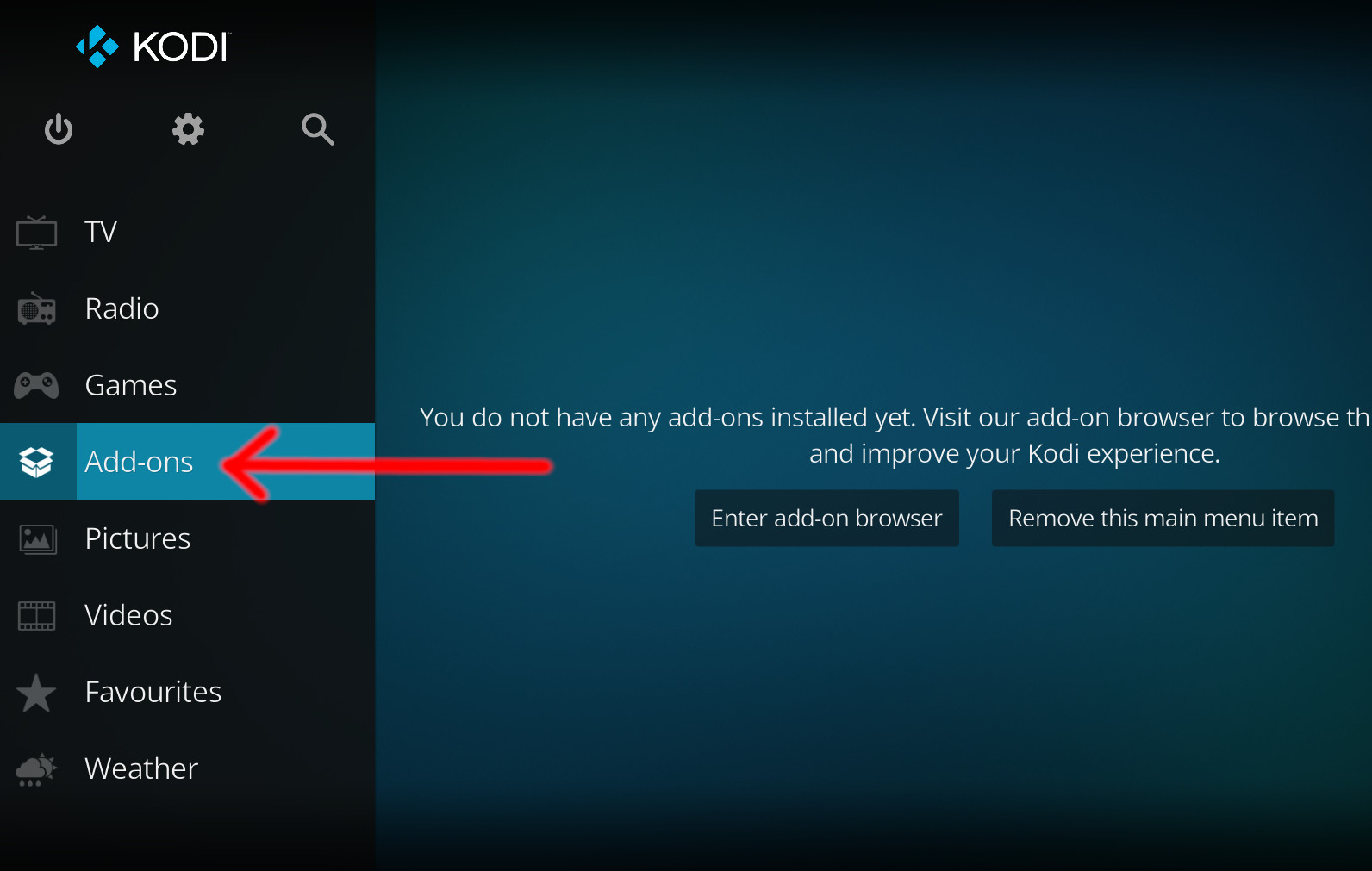
- Open up Kodi and navigate into Add-ons.
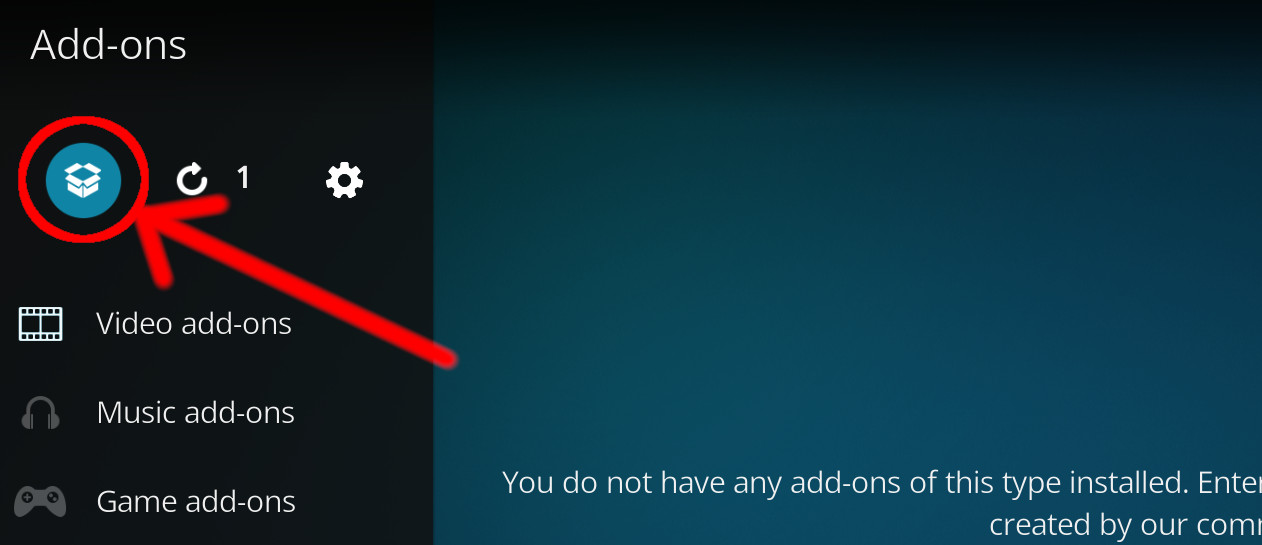
- Click the open box icon (above the side-menu).
- Select Install from repository.
- If you have at least one repository (besides the default) installed:
Select the repository you wish to install from.
- If you have at least one repository (besides the default) installed:
- Select the category the addon belongs to, in this case it should be program.
- Select THE HERMIT Wizard.
- Click Install.
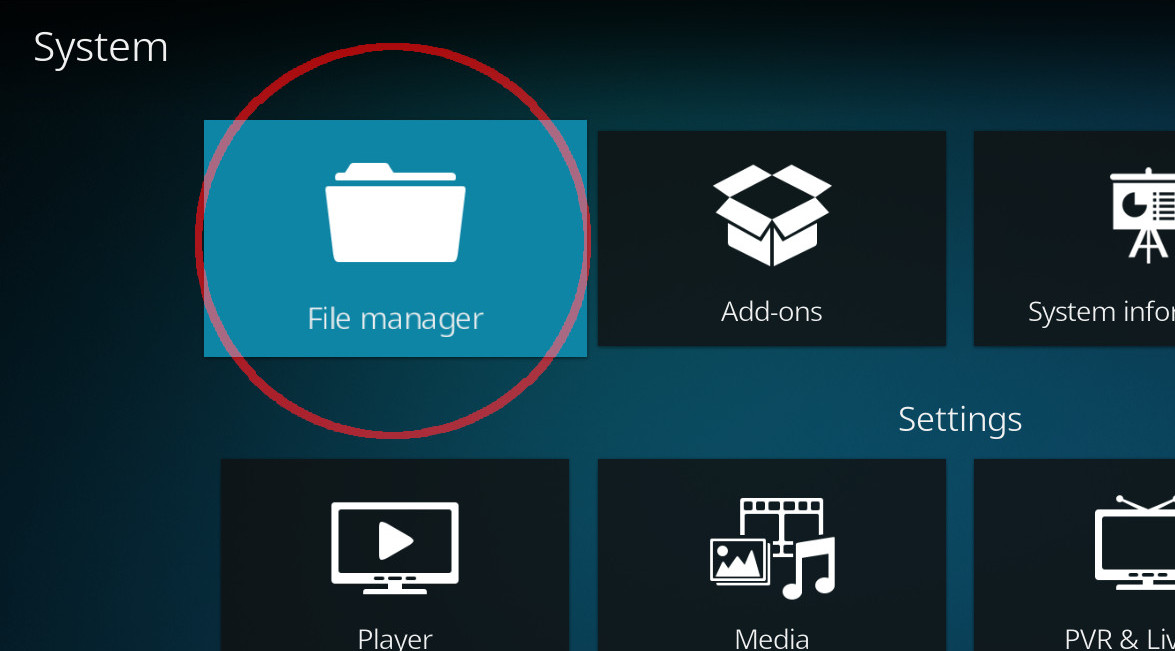
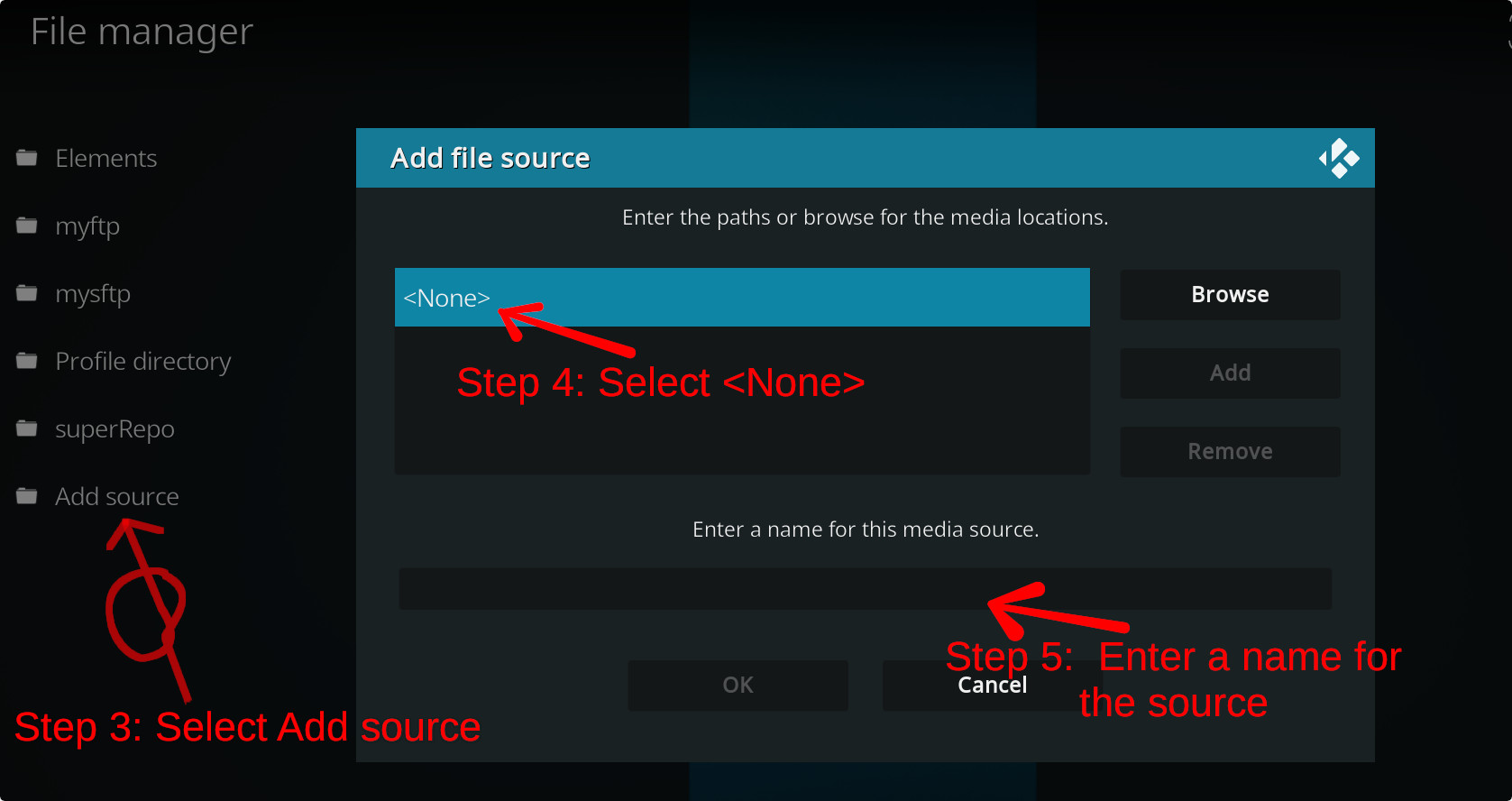
For a full installation guide please click here.
Additional Information
| Updated: | September 25, 2022 |
In Repositories: |
|
| Platform: | all |
| License: | Not specified |
Depends On: |