Help other people decide, vote up or down?
X
Bypass geo-blocked content! and stay safe & annonymus online.
If you're blocked from viewing content based on your location, consider using a VPN to unblock it. A VPN is a service that switches your online identity with another one so that you appear online as if you're from another geographical location.
Check out NordVPNWatch funny pictures from Dumpert.nl (dutch)
Disclaimer
For bugs, requests or general questions visit the Dumpert.nl thread on the Kodi forum.
Description
Watch funny pictures from Dumpert.nl (dutch)
News
v1.0.4 (2019-09-21) - MAJOR changes in the addon due to redesigned website - moved to Krypton - updated logos
How To Install
Direct installation
Via Repository
Via Directory
- Download the addon.
- Open up Kodi and navigate into Add-ons.
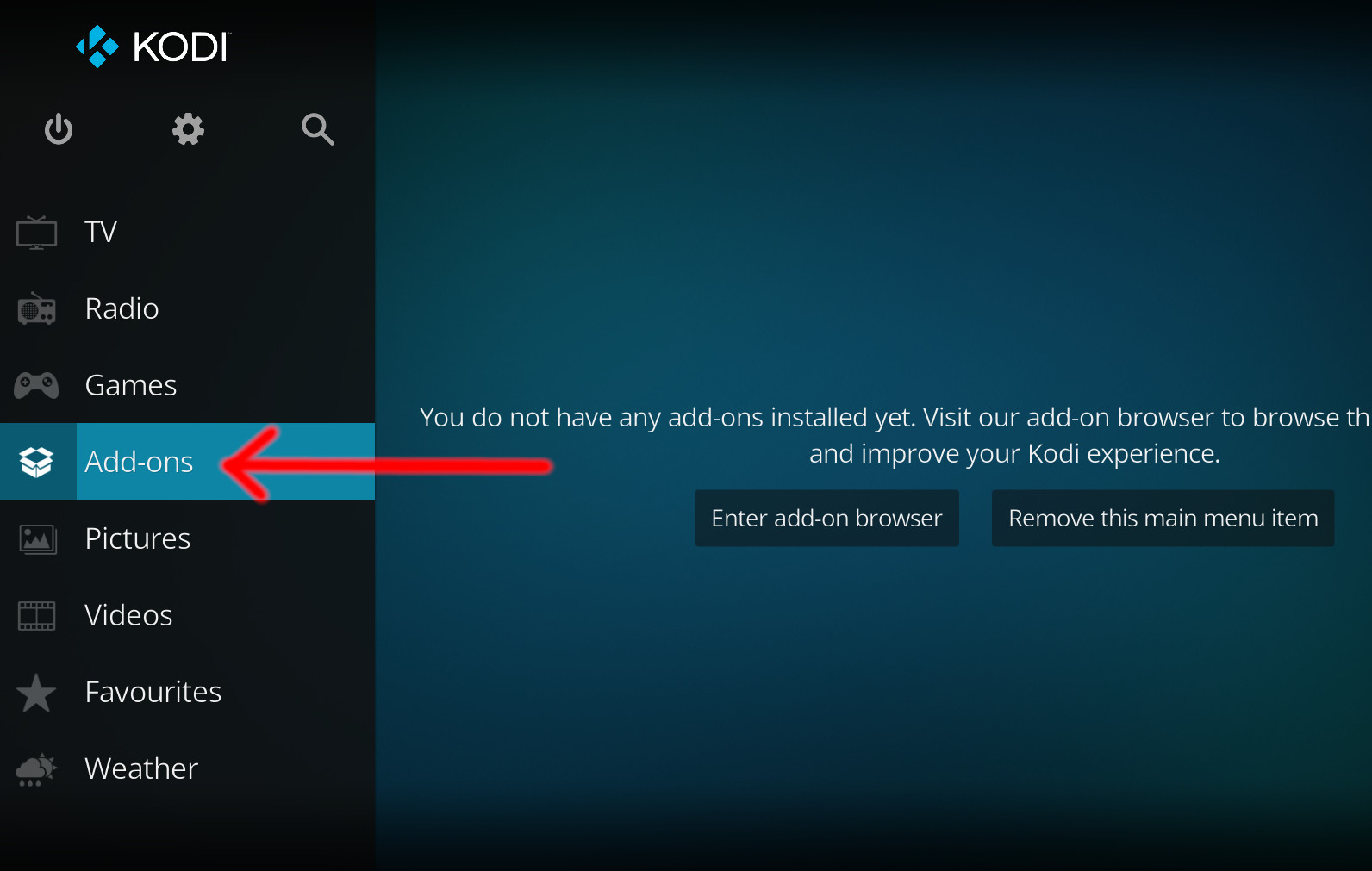
- Click the open box icon (above the side-menu).
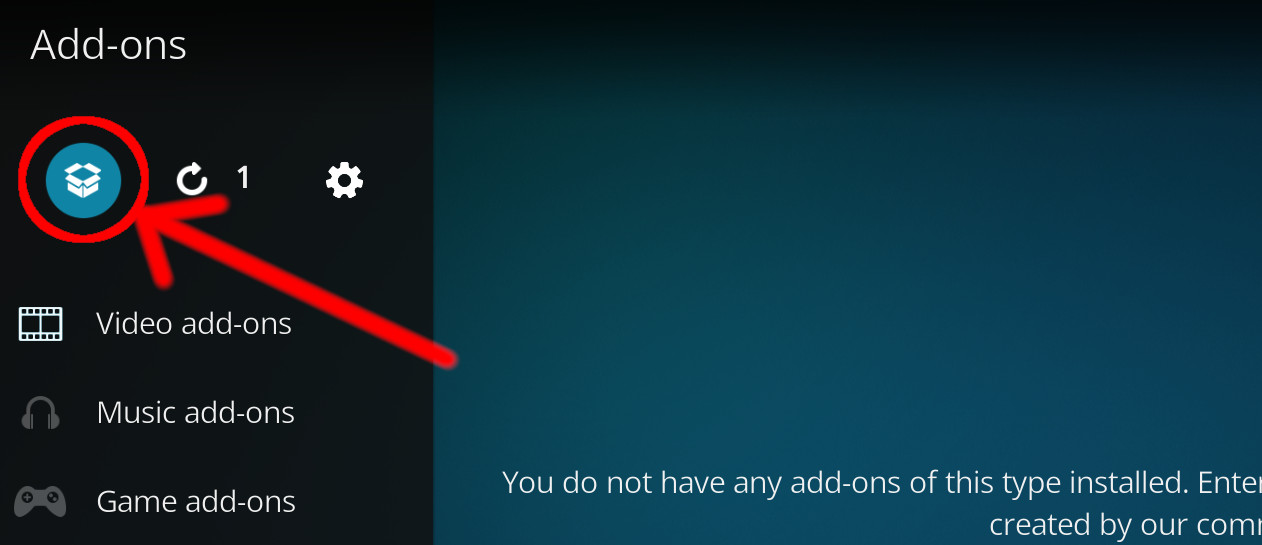
- Select Install from zip file.
- If this is the first addon you install, Kodi will warn you about installing addons from "unknown sources" for security reasons - it's your call.
- In any case, Kodi will warn you, you may not get auto-updates for this addon.
- Navigate into the location where you've downloaded the addon to and select it to Install.
For a full installation guide please click here.
Additional Information
| Updated: | January 13, 2021 |
In Repositories: |
|
| Platform: | all |
Alternative Sources: | Download 1 |
| License: | GNU General Public License v3.0 only |
Depends On: |